Personal data and the reason for access
For everyone who opens documents: how a document that holds personal data looks, when the DMS asks why you open it, and who classifies documents. People who protect personal data find their pages at the end.
What you see
Section titled “What you see”A document that holds personal data carries a Personal data pill beside its title. Its Metadata tab ends with a Personal data card: the level, the categories of data and the purpose, and where they come from: the document’s type, its dosar or a person’s classification.
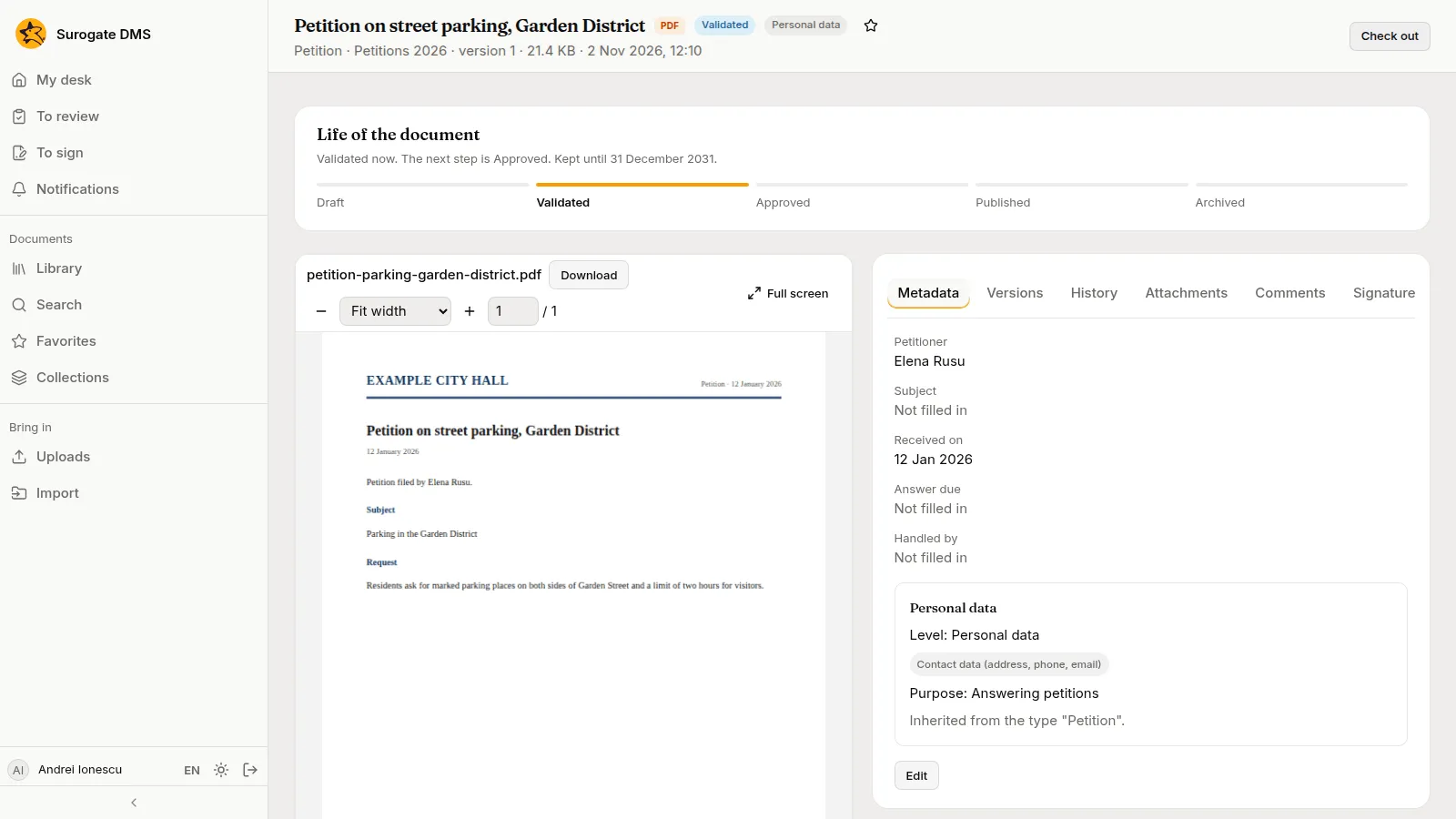
Opening such a document needs the permission Access to documents with personal data; the built-in role Standard user holds it. Special categories, such as health data, need Access to documents with special data as well.
The reason for access
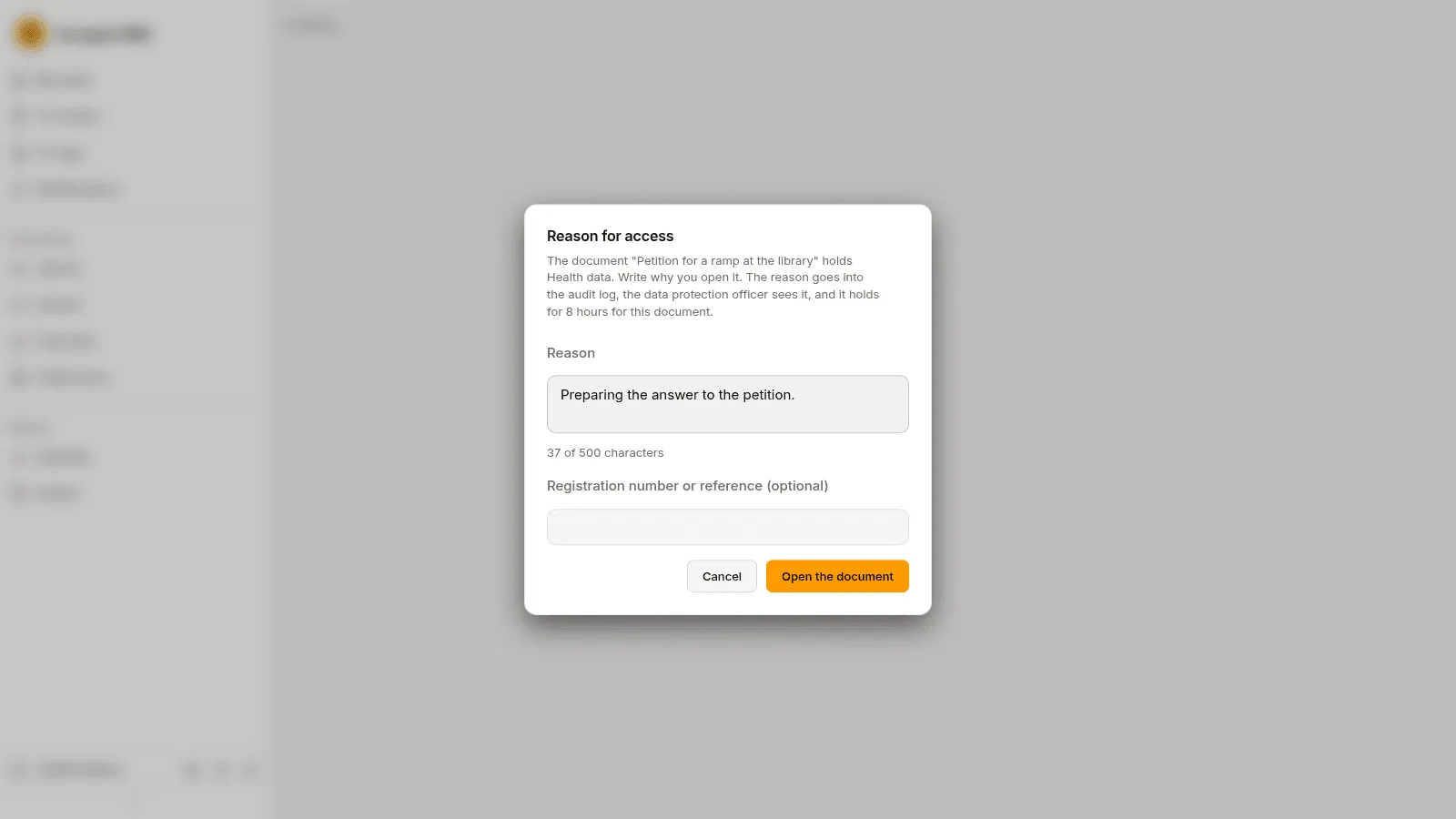
Section titled “The reason for access”For some categories the DMS asks you to write why you open the document. The reason goes into the audit log, the data protection officer sees it, and it holds for 8 hours for that document. Write it in Reason, add a registration number or reference if there is one, and press Open the document.
Classify a document
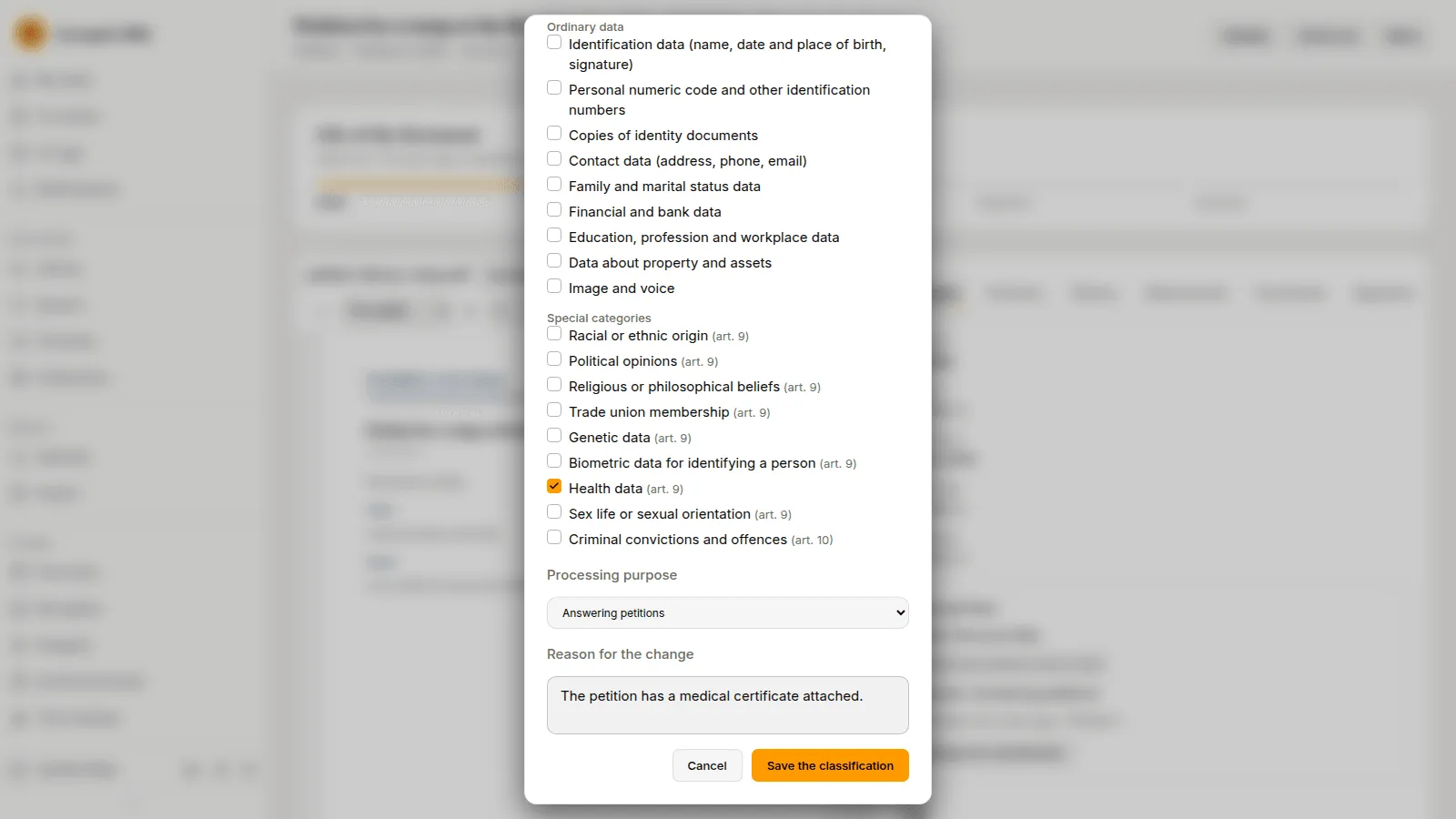
Section titled “Classify a document”A document’s personal data is usually inherited from its type and its dosar. People who hold Classifies a document’s personal data can change it: Change the classification, choose Inherited (from type and dosar), No personal data or Holds personal data, tick the categories and the processing purpose, write the Reason for the change and press Save the classification.
For the data protection officer and administrators
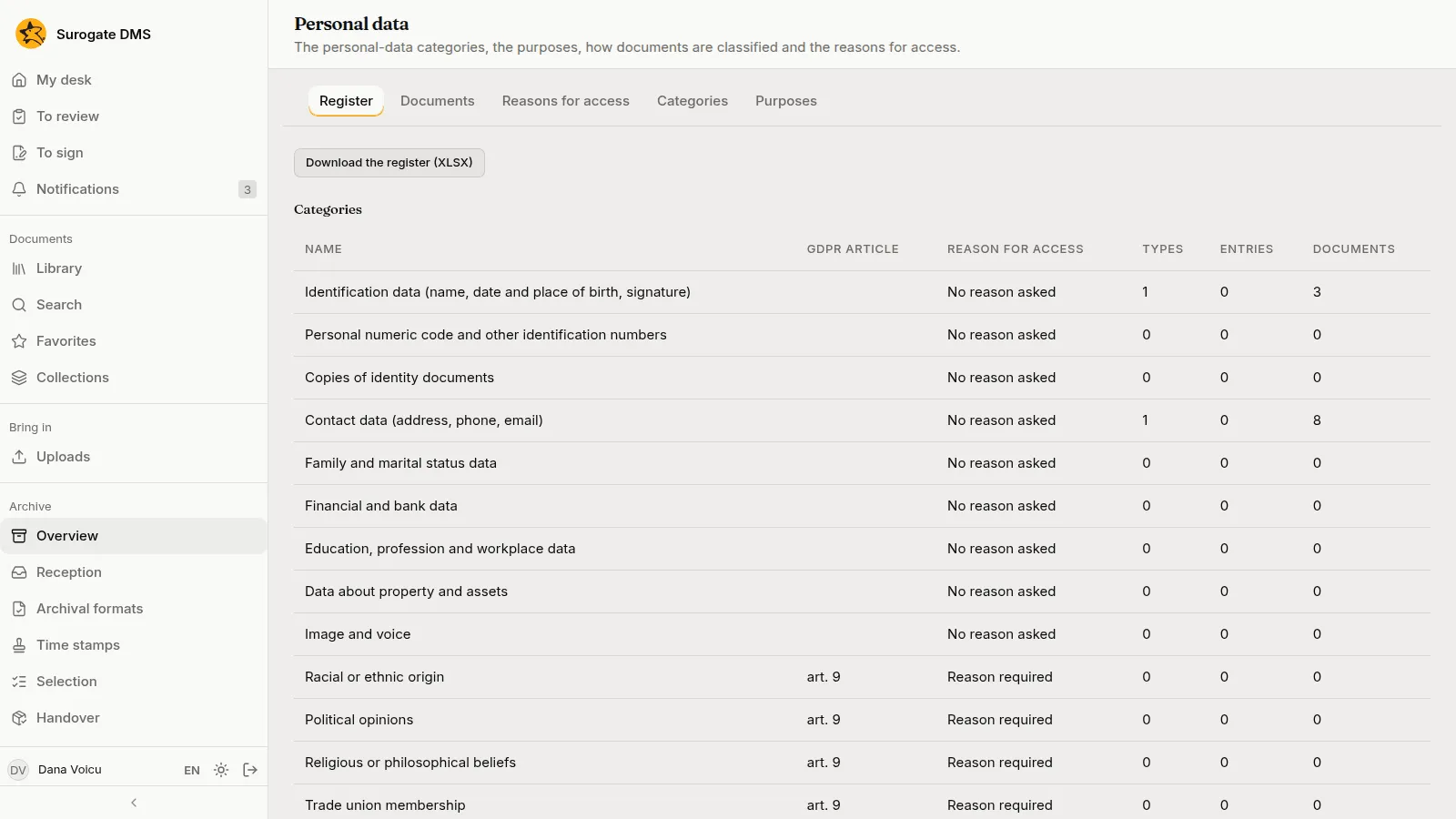
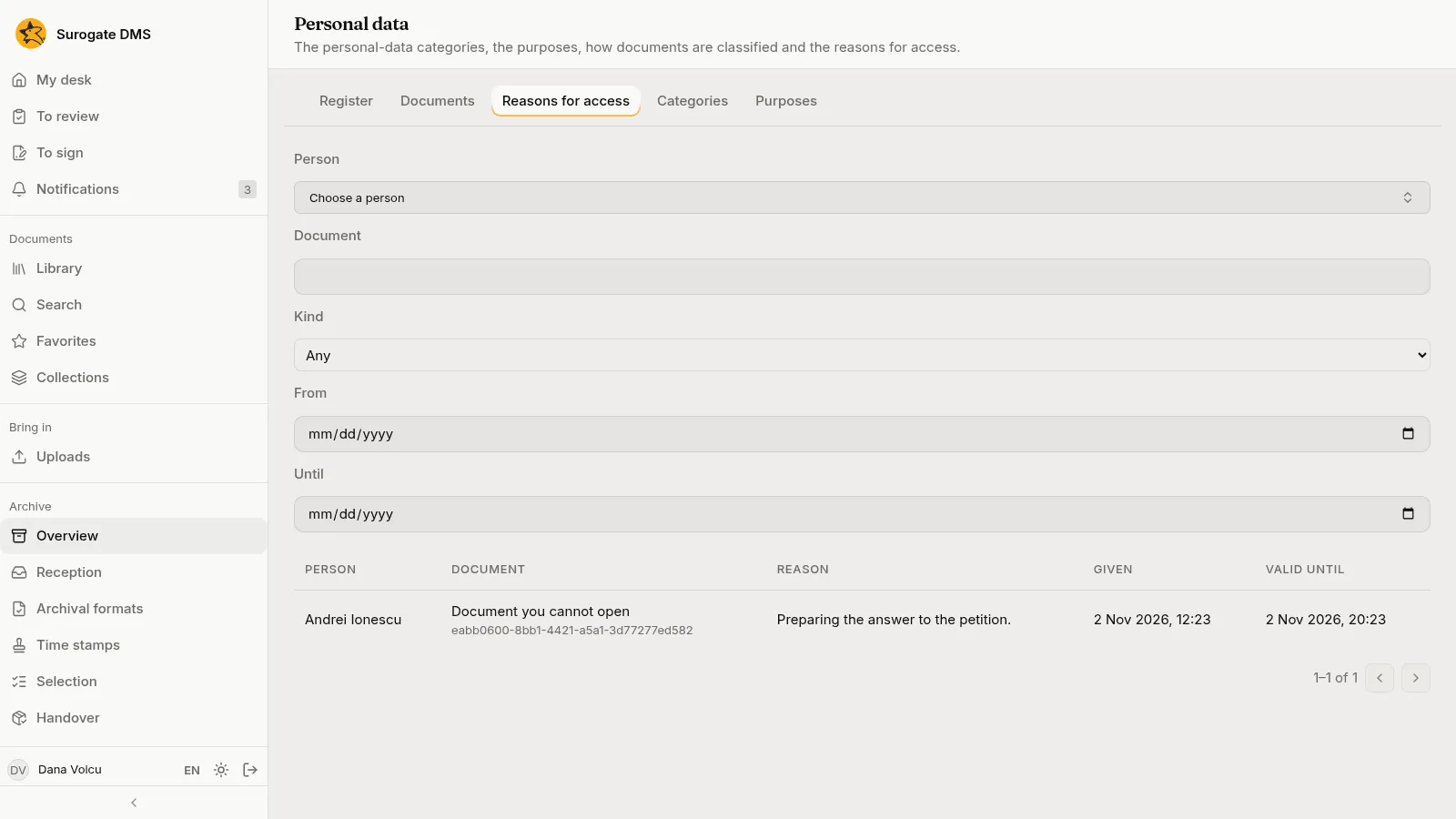
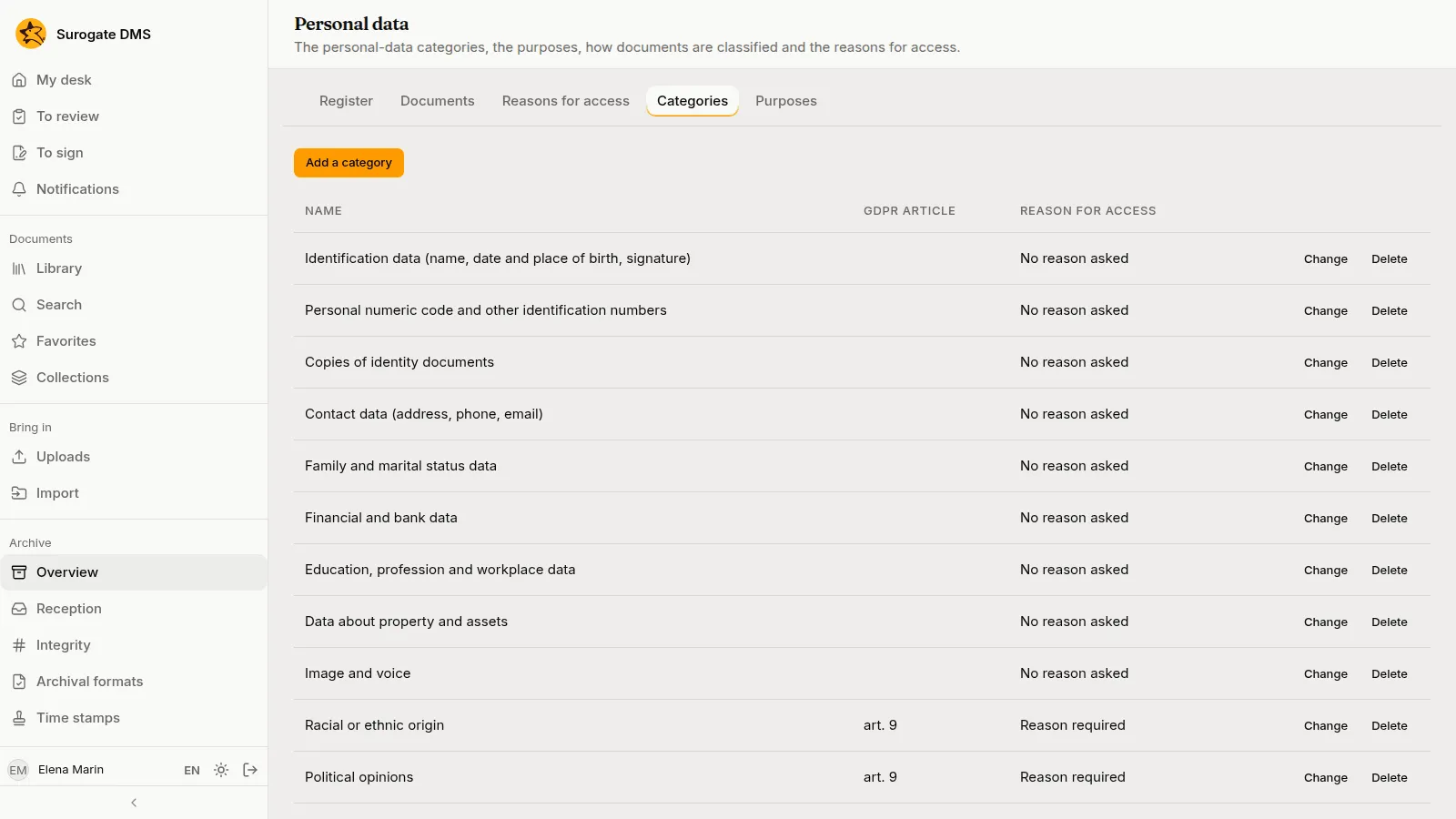
Section titled “For the data protection officer and administrators”Archive › Personal data has the tabs Register, Documents, Reasons for access, Categories and Purposes.
- Register lists the categories with the types, entries and documents that hold them, and Download the register (XLSX) saves it.
- Reasons for access lists who opened which document, why, when, and until when the reason holds. The data protection officer does not read the documents, so each reads “Document you cannot open”.
- Categories and Purposes are the lists the classifications use. An administrator who holds Manages the personal-data categories, the purposes and the defaults adds, renames and removes them, and sets whether a category asks for a reason.
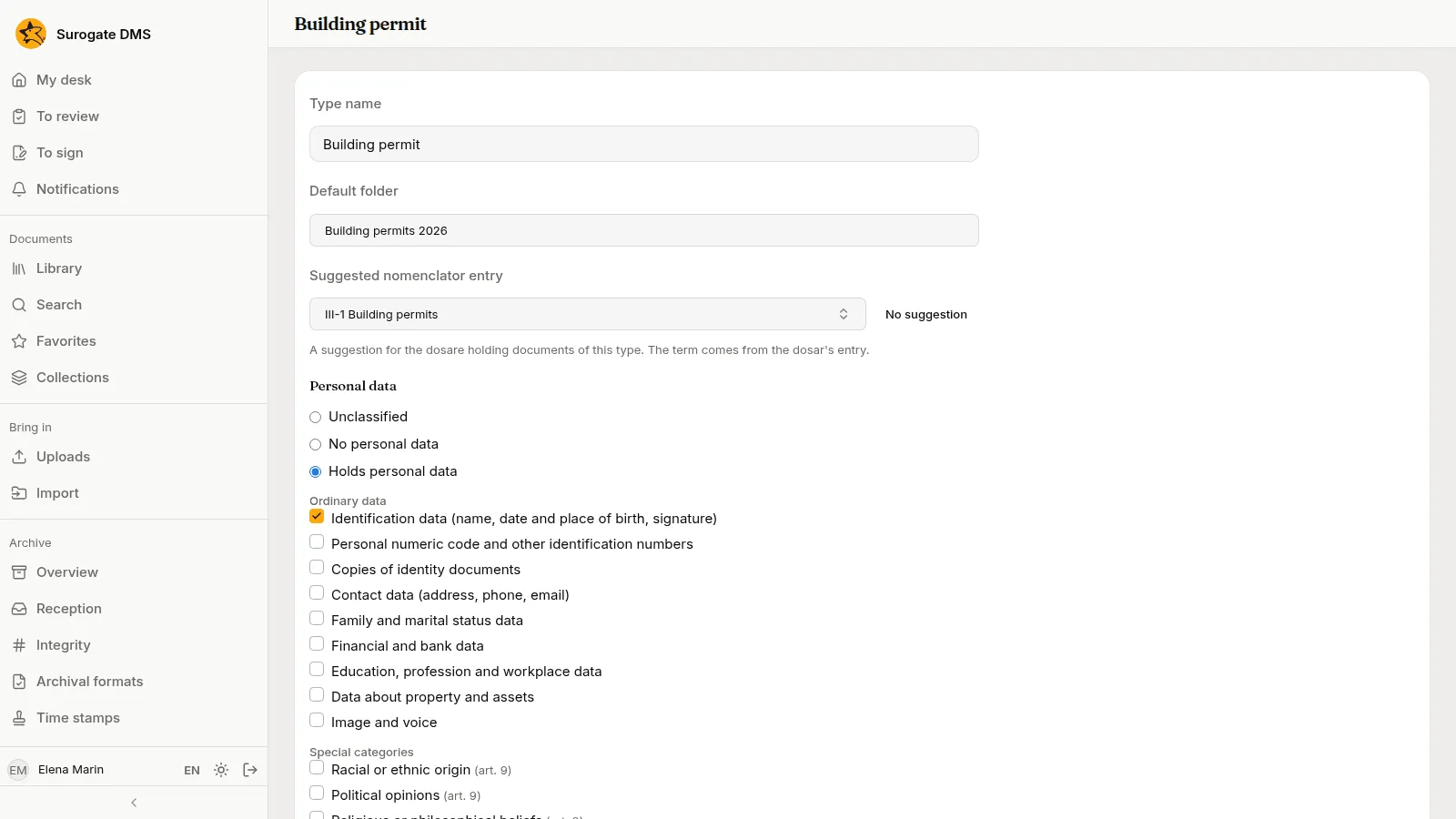
A type or a nomenclator entry can carry a default classification, so documents are classified when they are filed. See Document types.