Favorites and collections
For everyone: keeping documents you use often within reach, and the collections your colleagues share with you.
Favorites
Section titled “Favorites”Press the star beside a document’s title, or Add to favorites in a row’s menu, to mark it. Press it again to unmark it.
Your favorites appear in two places: under Favorite documents in the sidebar, which lists the first eight, and on the Favorites page, which lists them all.
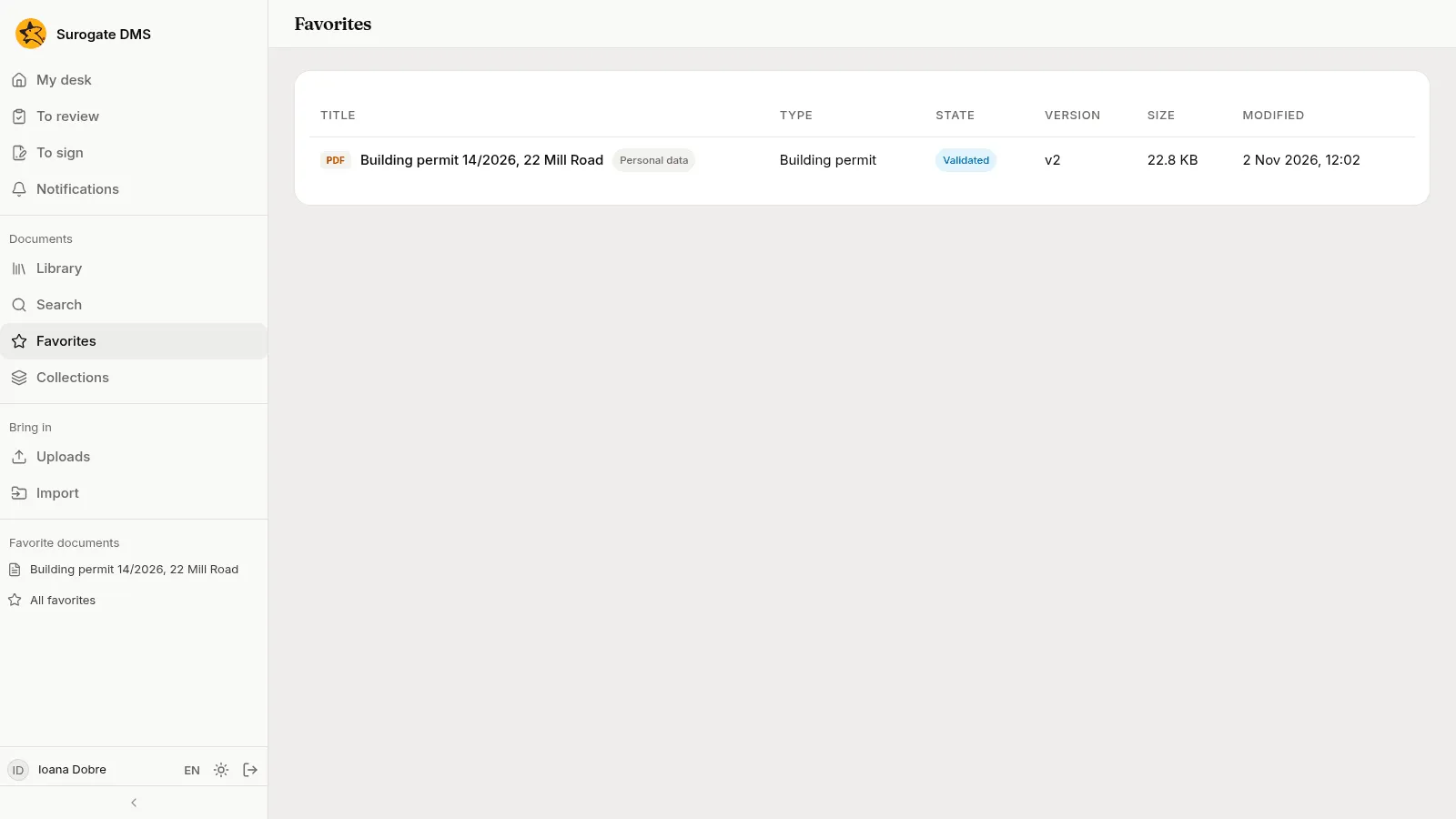
A favorite is yours alone. If you lose the right to read a document, it drops out of your list.
Collections
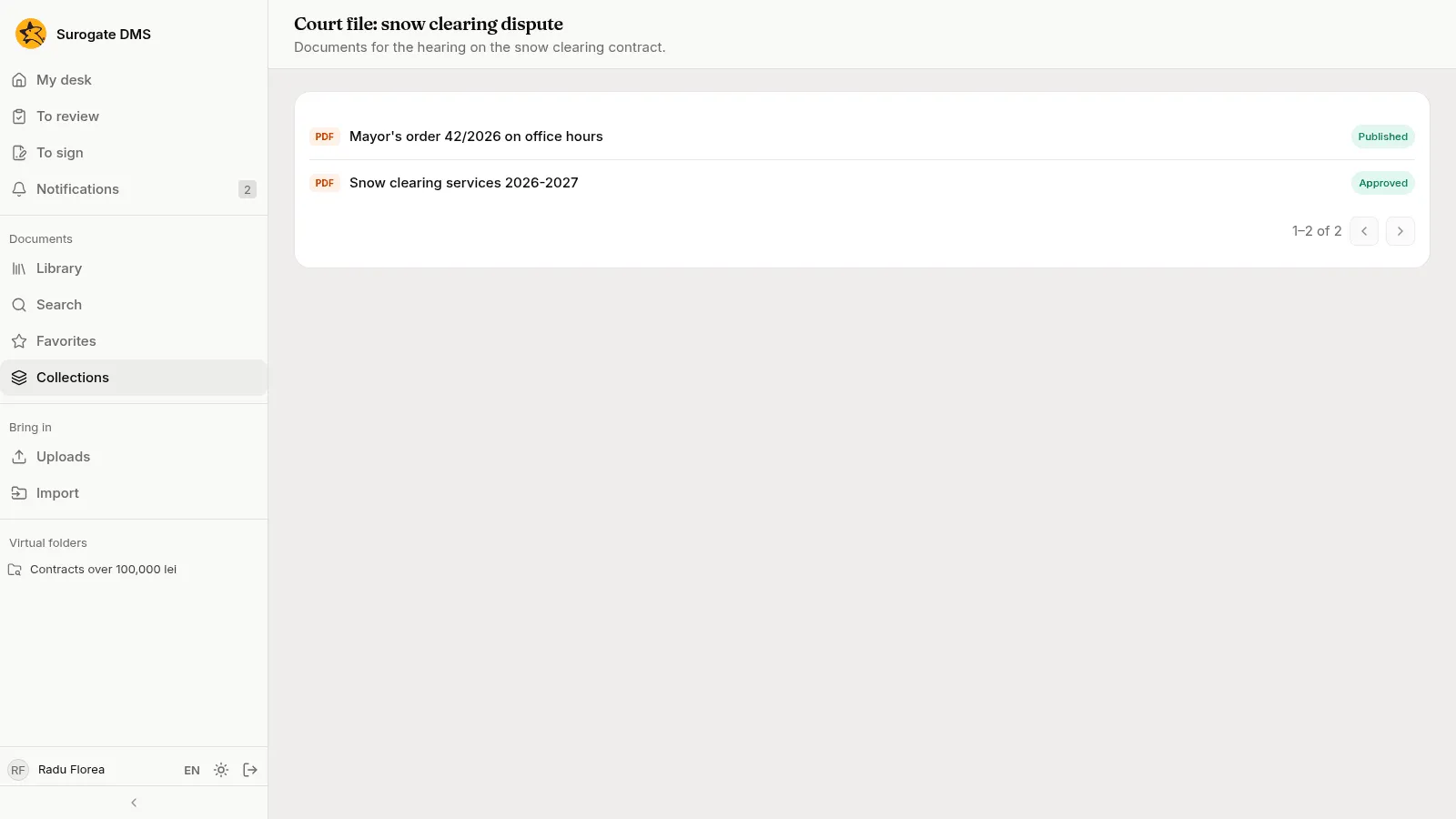
Section titled “Collections”A collection gathers documents from different folders for some people for a limited time, for example the documents of a court file. Collections in the sidebar lists the ones you belong to.
While a collection has not expired, a member may, for each document in it, read it, download it, see its versions, history and attachments, compare versions and comment. Nothing more: no editing, no new version, no change of state. Access stops by itself when the collection expires. A collection does not open a document with personal data to someone who is not cleared for it.
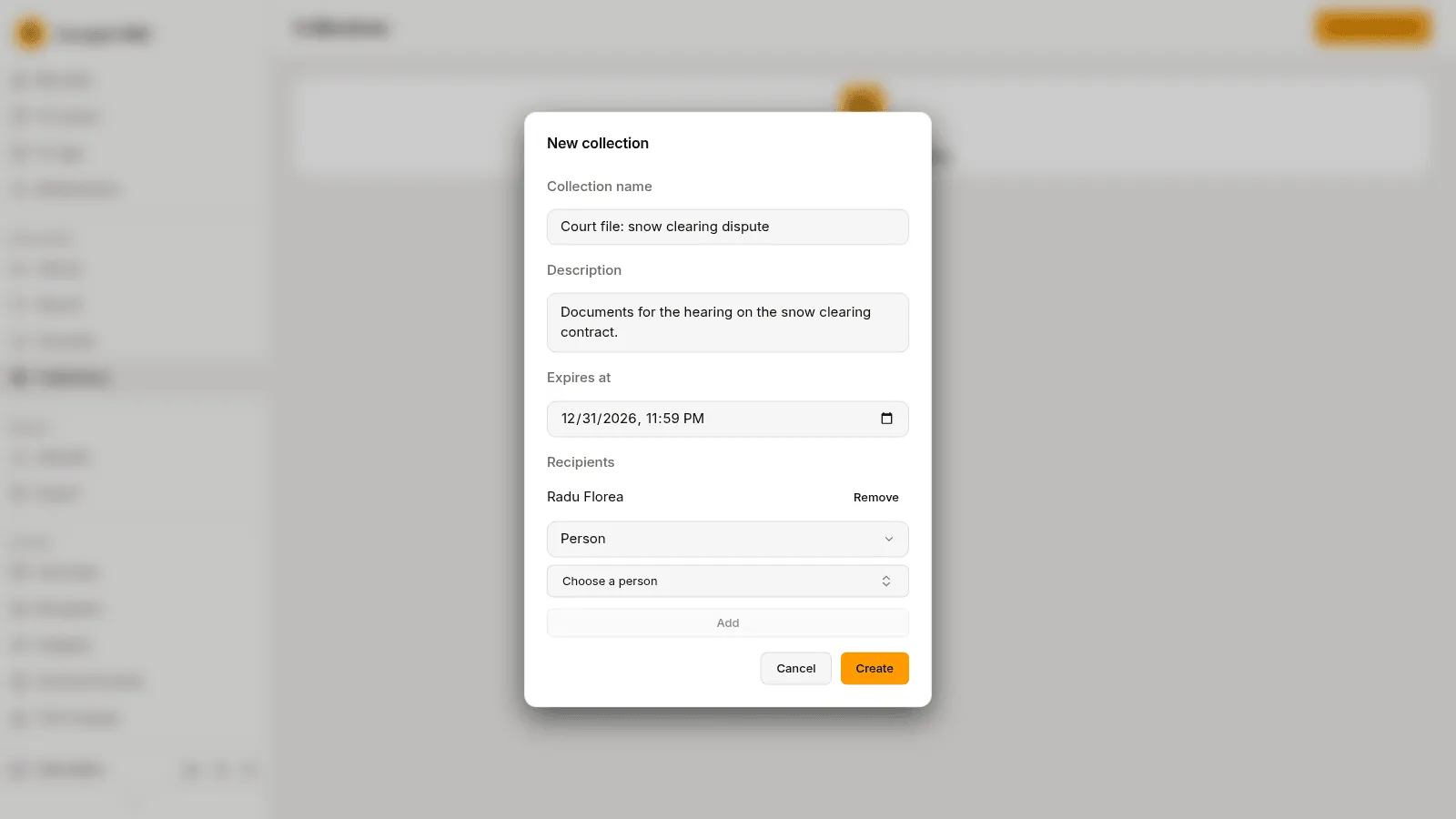
Make a collection
Section titled “Make a collection”People who hold the permission Manages collections press New collection, fill in the Collection name, a Description and the date it Expires at, add the Recipients (each a Person, a Position or a Unit, with Add) and press Create. They add documents from the collection’s page.