

Work mode
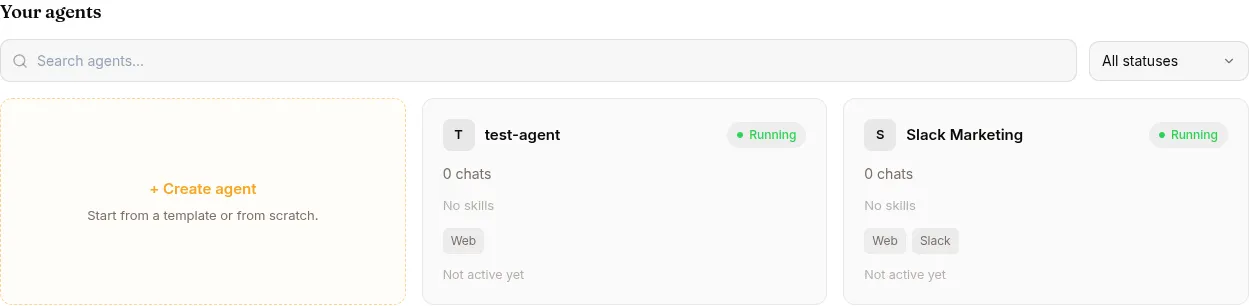
Work mode is for the day-to-day of running agents — chatting with them, watching sessions, attaching skills and KBs, publishing to channels. If you write skills in code, train experts, or run evaluations, flip to Develop mode in the navbar.
Mental model
Section titled “Mental model”A Surogate agent is a deployed service at <slug>.cloud.surogate.ai bundling:
- A model that thinks
- Skills — markdown files telling it how to handle specific request types
- Knowledge bases — documents it can search at runtime
- MCP servers — connections to external systems (Slack, GitHub, your APIs)
- Persona — the agent’s identity, tone, and boundaries. Configure → Identity tab exposes both the short DESCRIPTION field and the full SOUL.md textarea (up to 20,000 characters) in either mode.
- Channels — Web (always on), Slack, Telegram, Website widget
The improvement loop:
Run a chat → Review the session → Mark good/bad → Improve the agent → Run more chatsEach step has its own chapter:
| Chapter | Answers |
|---|---|
| Run an agent | Open a session, chat, watch the workspace |
| Review what your agent did | Session detail, quality flags, replay |
| Improve your agent | Mark sessions, attach skills/KBs, edit persona |
Plus shorter chapters: Library (skills, KBs, MCP servers), Channels (Web/Slack/Telegram/WhatsApp/Website + end-user accounts, including self-registration via your own Firebase), Conversation tools (/goal, the Copilot, the inbox), Settings, Monetize (charge end users via Stripe Connect, Pro+), Use cases, Reference.
When to flip to Develop mode
Section titled “When to flip to Develop mode”Skip to Develop mode when you need to:
- Write skills in code instead of just attaching existing ones
- Train fine-tuned experts on your traffic
- Run benchmark evaluations or build a custom benchmark
- Connect a cloud GPU provider
- Integrate via the REST API
- Self-host on your own cluster
For everything else, you can run a successful agent for months from Work mode alone.