Surogate DMS concepts
The words this guide uses, in the order a document meets them. Each term has a row in the Glossary.
Documents and versions
Section titled “Documents and versions”A document is a file with a title, a type, metadata and a state. Uploading a new file to a document makes a new version; older versions stay and you can go back to one. See The document page and Viewing, editing and versions.
Folders
Section titled “Folders”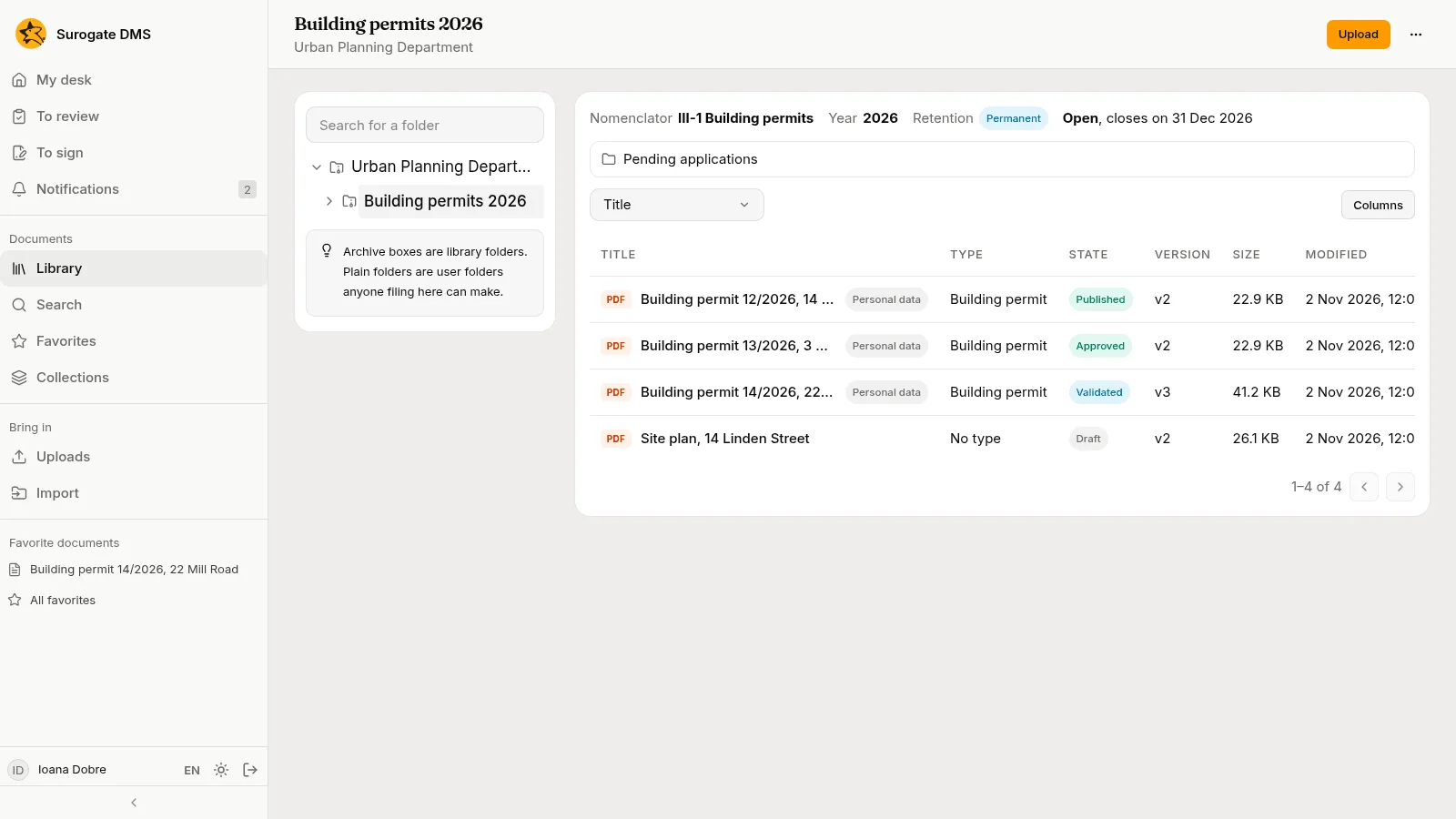
- A library folder belongs to a unit of the institution and is made by an administrator.
- A dosar is a library folder that carries an entry of the nomenclator, a year and a closing rule. The entry says how long its documents are kept.
- A user folder is a plain folder that anyone filing in a library folder can make inside it.
- A virtual folder is a saved search shown in the sidebar.
See The library and Folders and dosare.
Types and metadata
Section titled “Types and metadata”A document type, such as Contract or Building permit, lists the fields a document of that type has, the folder it is filed in by default and its personal-data defaults. The values a person fills in are the document’s metadata. See Document types.
Units, positions, roles and grants
Section titled “Units, positions, roles and grants”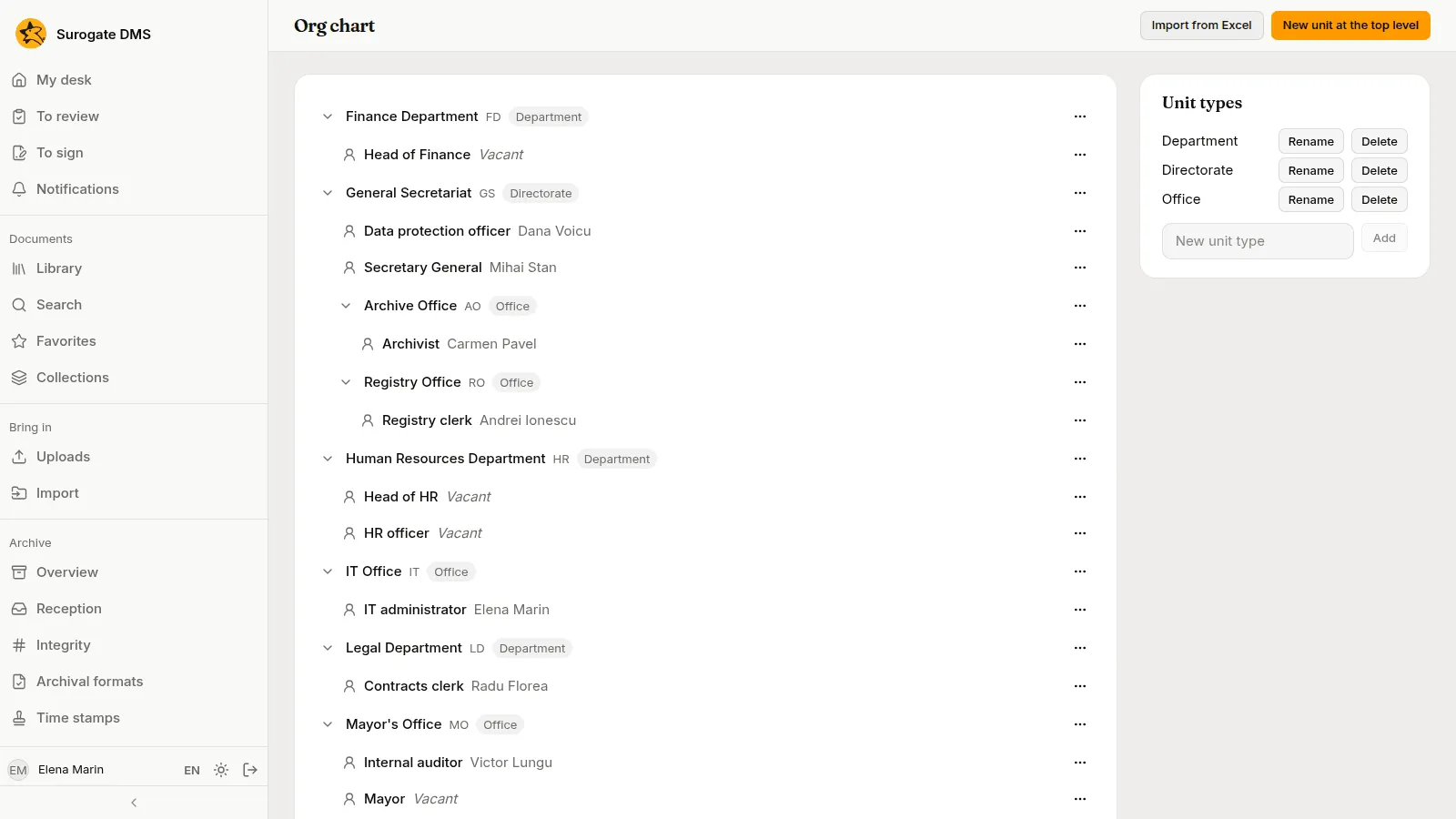
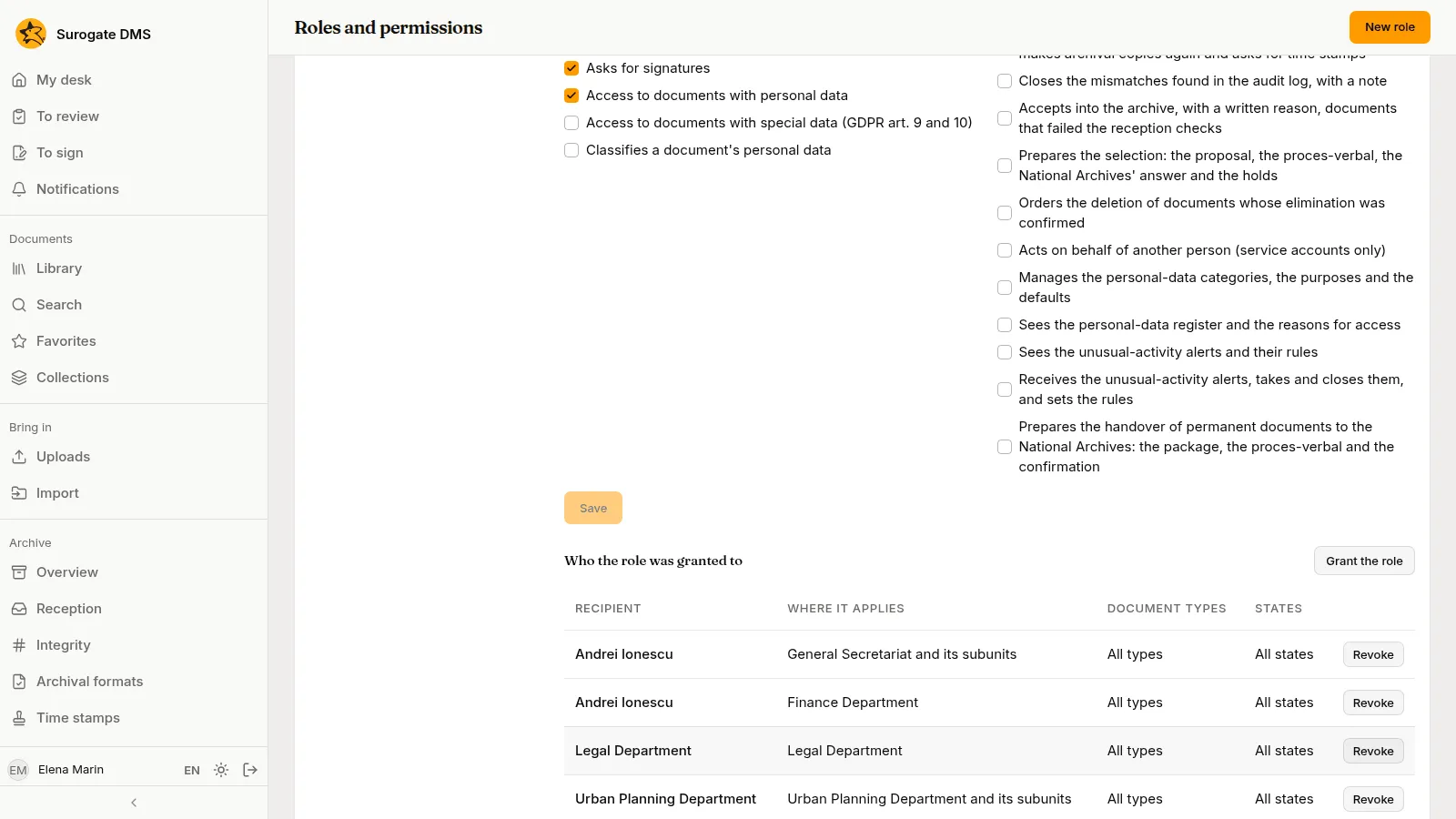
The org chart lists units (a directorate, a department, an office), the positions in each unit and the holder of each position. A role is a set of permissions. A grant gives a role to a person, a position or a unit, for the whole institution or for one unit. What you may do is the sum of your grants. See The org chart and Roles and permissions.
The five states
Section titled “The five states”A document is Draft, Validated, Approved, Published or Archived. Each step has its own button and its own permission. An archived document is read only. See The life of a document.
Retention and the nomenclator
Section titled “Retention and the nomenclator”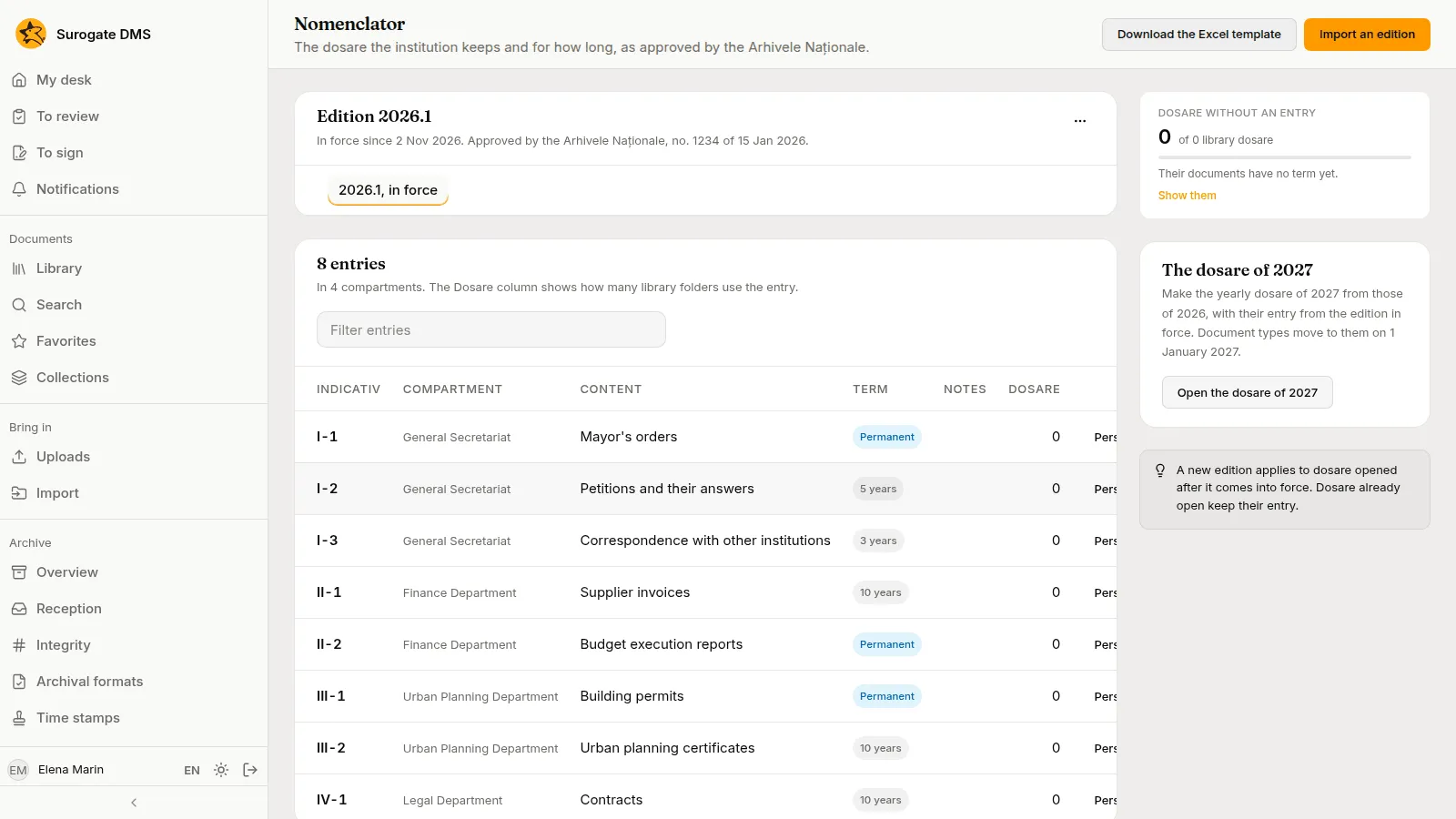
The nomenclator is the list, approved by the National Archives, of the dosare an institution keeps and for how long. An edition is one approved version of it: it is a draft until an administrator puts it in force, and it is superseded by the next one. Each entry has an indicativ (its code), a compartment (the unit it belongs to), a short content and a term: a number of years or Permanent. See The nomenclator.
Reception and archival copies
Section titled “Reception and archival copies”When a file arrives, the DMS checks it and, where it can, makes a copy in a format meant to last. A document whose checks fail shows Not accepted until an archivist accepts it with a reason. Both are on the Archive tab of the document.
Selection and handover
Section titled “Selection and handover”When the term of a closed dosar has ended, an archivist starts a selection: a commission proposes the dosare to eliminate, a proces-verbal (plural procese-verbale, the signed record of a meeting or an act) is issued, the National Archives answer, and the deletion runs after a delay. Dosare kept permanently are handed over to the National Archives instead. See Selection and deletion and Handover.
Registrations
Section titled “Registrations”The institution’s registry gives the documents that come in, go out or stay inside a number. A registration takes a number in the main register and, when it is made in a service register kept by a unit, a second one. It names the correspondent and the units it concerns, holds the documents, and lends them for reading to those units. The registrations of one exchange form a thread.
See Registering documents and Registers and address lists.
Captures
Section titled “Captures”A capture is a batch of pages on its way to becoming documents: a scanned stack, photographs, a PDF, the attachments of a message or a printout. It comes in through a channel: a web page, a scanner’s watched folder, a mailbox or a virtual printer. The DMS cuts the pages into parts, and each part becomes one document.
A separator sheet you put between two documents cuts the stack, and a label of a registration starts a part linked to that registration. A capture template describes one kind of form: where each value lies, how it is read and which checks it must pass. A part whose data fail a check is not conforming at capture, and a document filed that way carries a mark until someone checks it.
A capture flow is the line of steps a channel’s captures run, with rules that send each part to a folder, a type and a title. A capture waits for a person only when something needs one: a value to check, a folder to choose.
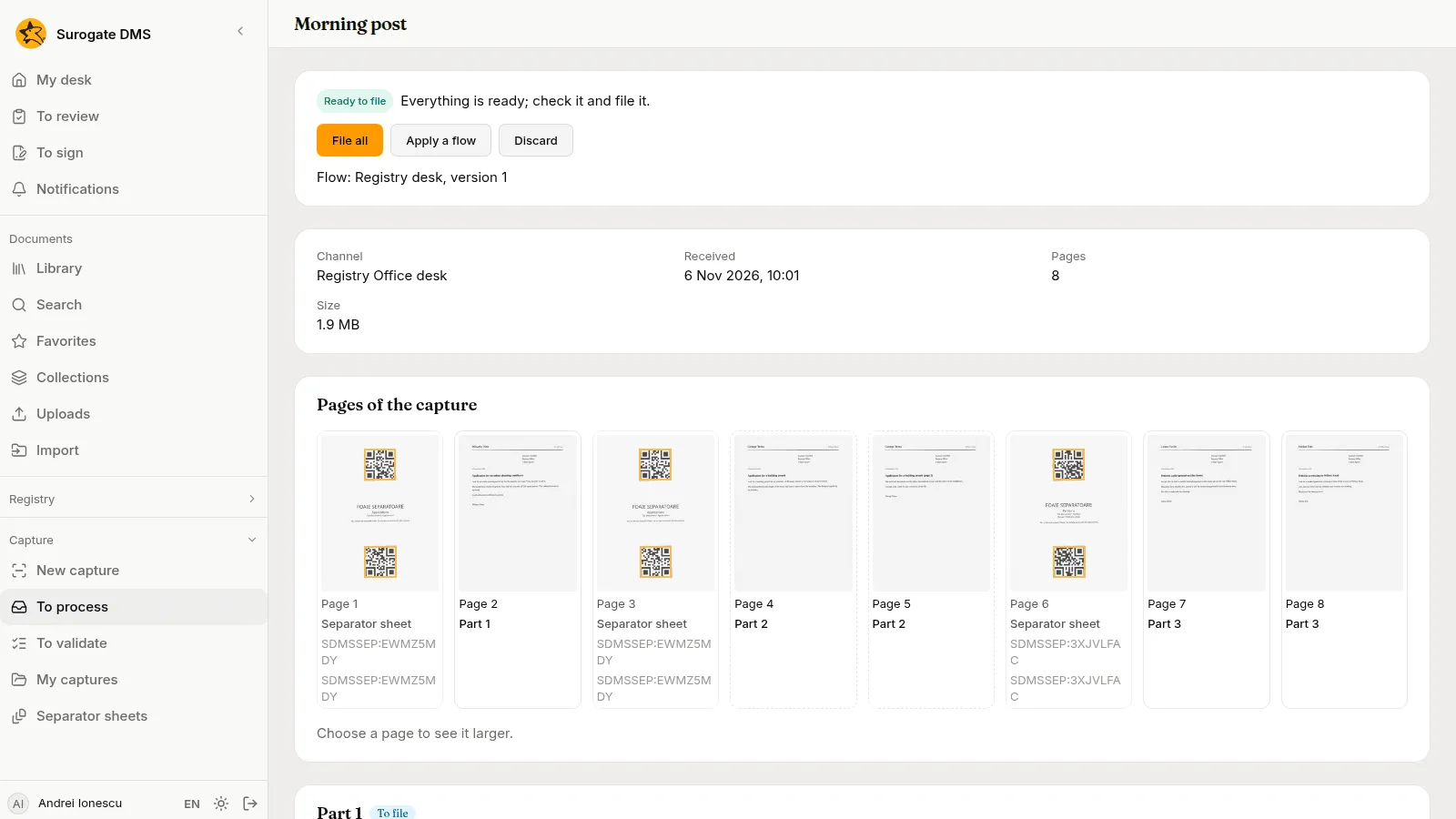
See Capturing documents, Processing captures, Capture channels, Capture templates, Capture flows and the Glossary.
Personal data
Section titled “Personal data”Some documents hold personal data. They carry a Personal data pill; some categories (health data, for example) ask you for a reason for access before they open. See Personal data.