Surogate Keel
Surogate Keel runs business processes as cases. Builders define case types: the stages a case goes through, the steps in each stage, who does each step, and the rules that decide where a case goes next. People and agents then work cases of those types.
Keel decides the path of a case from its case type, its data and the outcomes of its steps. An agent that works a step returns one of the outcomes the step offers, or asks a person; it never chooses what happens next.
Two apps
Section titled “Two apps”Keel has two web apps. Each has its own sign-in.
| App | Address | Who uses it | What they do there |
|---|---|---|---|
| Keel Builder | https://keel-builder.surogate.ai | Builders: members of the project in Surogate Studio | Design case types, rules and queues in drafts, alone or with the designer agent, check them, publish them. Appoint supervisors, create service keys. |
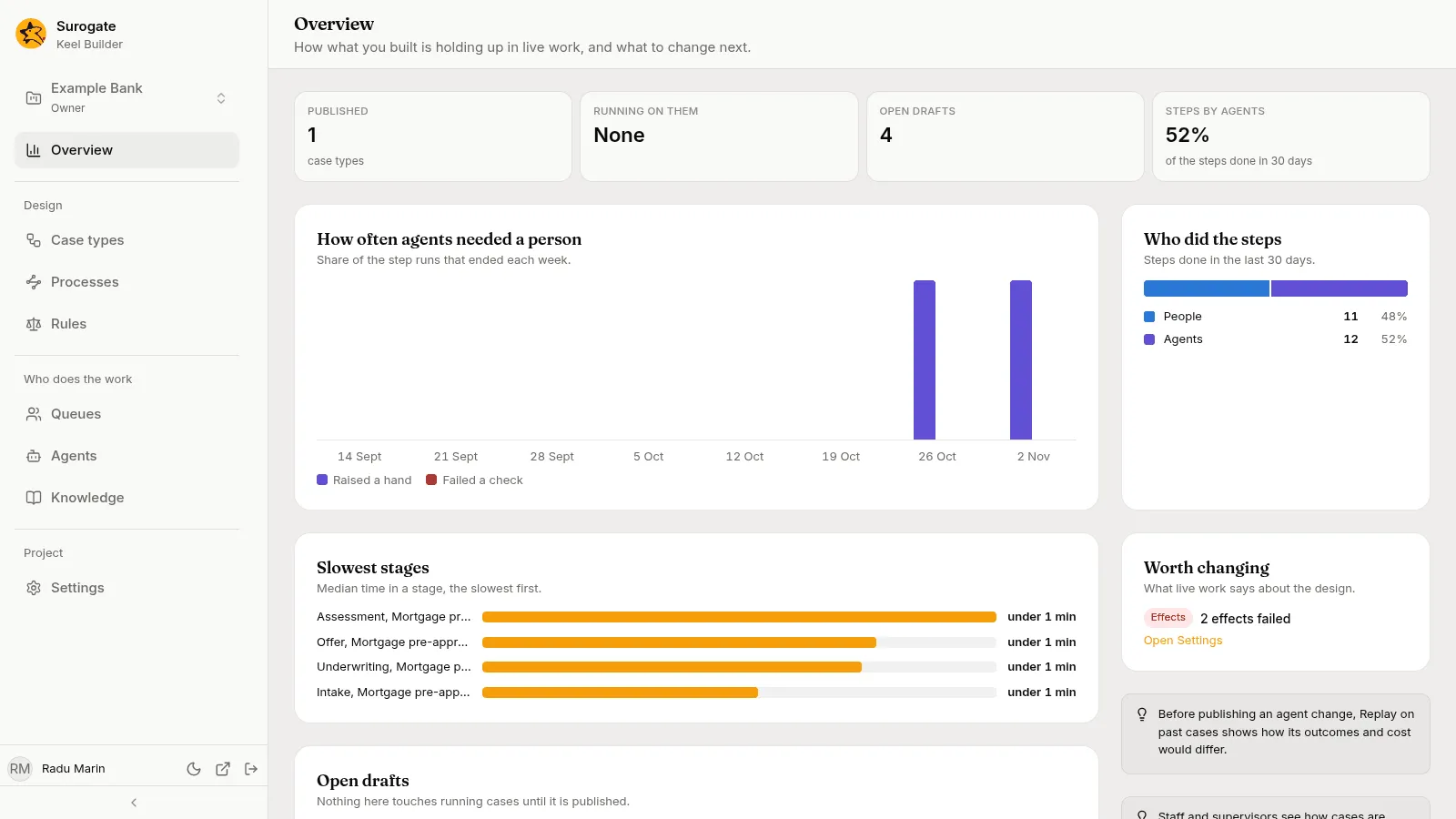
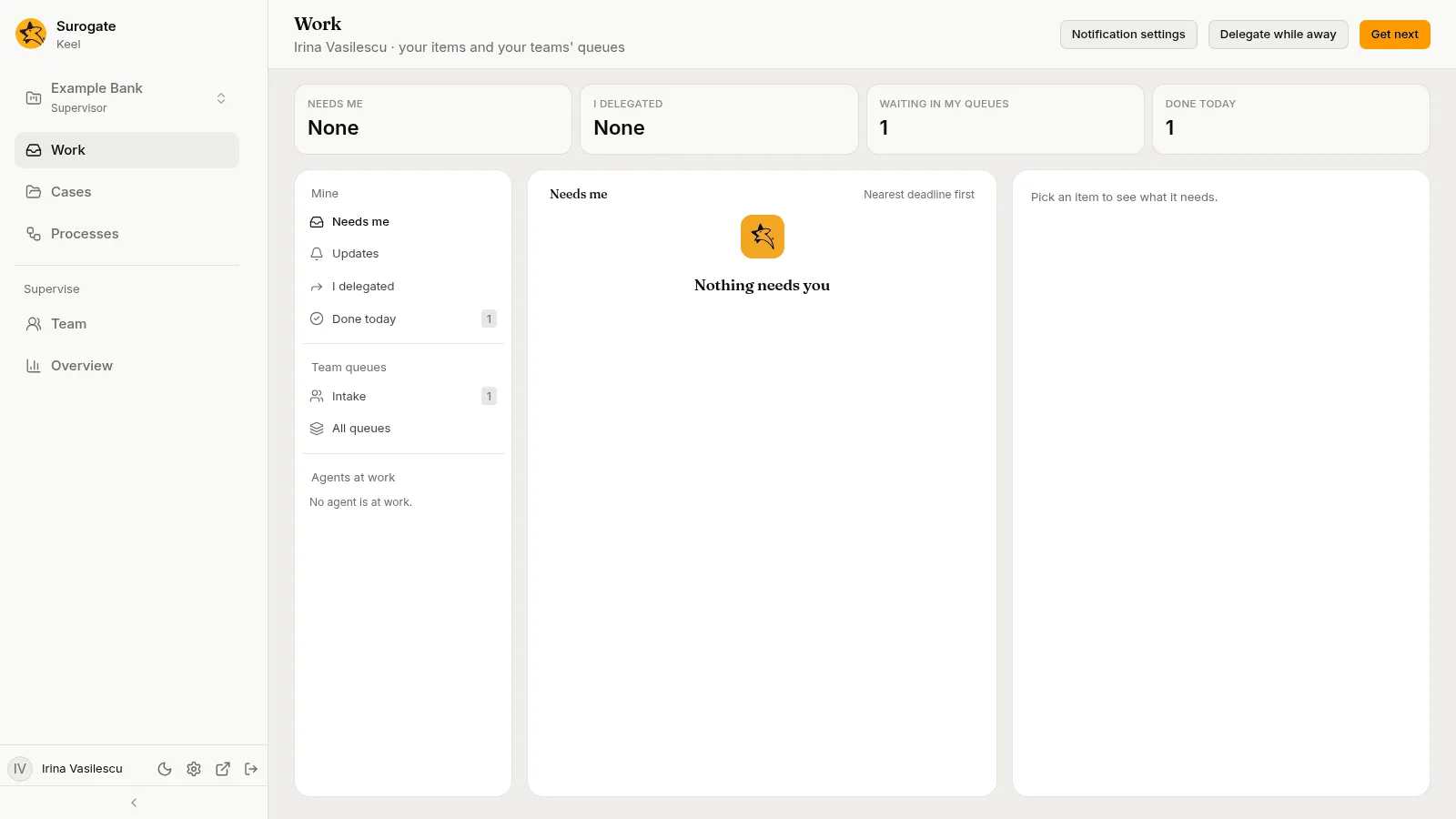
| Keel (the business app) | https://keel-app.surogate.ai | The project’s staff and supervisors | Start cases and processes, work the steps and tasks given to them, answer agents’ questions, ask the case agent about a case or a process instance, follow cases. Supervisors also manage the team and retry or cancel processes. |
The two apps show different things. The business app never shows a case type’s definition, an agent’s configuration, skills, knowledge bases, connections or credentials. Keel Builder has no list of cases.
Start here
Section titled “Start here”| You are | Start with |
|---|---|
| A builder who will design case types and processes | Quickstart for builders: build and publish a small case type. |
| Staff or a supervisor who works cases | Quickstart for the business app: sign in, take work, do a step, start a case. |
| A builder who has a BPMN model, or work that is mostly a route | BPMN processes: build a first process, then publish and run it. |
| Someone who wants to see it all working | Example: mortgage pre-approval: a case type with people, agents, a rule, a vote and a committee. |
| Someone new to the words | Concepts and the Glossary. |
Who is who
Section titled “Who is who”A Keel project is a Surogate project. The same project holds its builders and its staff.
- Builders sign in to Keel Builder with their Surogate (Studio) account. Their role in the project, Owner, Editor or Viewer, is the one Studio gives them. See Members and roles for how owners add members in Studio.
- Staff sign in to the business app with a work account of the project. Only people on the project’s staff get in.
- Supervisors are staff with more rights: they run the Team page, set authority limits, turn agents off and on, and move cases by hand. The project’s owners appoint the first supervisors in Keel Builder; supervisors then invite the rest of the staff.
A builder who also works cases needs a staff account as well. The two sign-ins are separate.
Roles and permissions lists what each role may do.
How the work flows
Section titled “How the work flows”- A builder creates a case type in a draft, adds stages, steps and fields, and runs a dry run that checks it.
- An editor or owner publishes the draft. The case type now has a new version.
- Staff, an agent or another system start cases of that version.
- Each step of a case opens as work for its performer: an item in a person’s or a queue’s work, an agent session, or a call to another system.
- When a step finishes with an outcome, Keel follows that outcome to the next step, stage or close.
Running cases stay on the version they started on, unless a builder moves them to a newer one when publishing. See Versions.
Where to go next
Section titled “Where to go next”- Concepts: case types, cases, stages, steps, performers and the rest of the vocabulary.
- Quickstart for builders and Quickstart for the business app: from an empty project to a worked case.
- Example: mortgage pre-approval: one case type that uses most of what Keel offers.
- Keel Builder: every screen of the builder app.
- The business app: the Work page, cases, processes, the Team page and the Overview.
- The case agent and the designer agent: the project’s two helpers.
- BPMN processes: process files drawn in BPMN 2.0, published and run beside case types.
- Glossary and FAQ.