People
For administrators who hold the permission to manage people: adding people, seeing who has signed in and deactivating accounts. People sign in with the account of your institution’s sign-in service; the DMS keeps no passwords.
Add a person
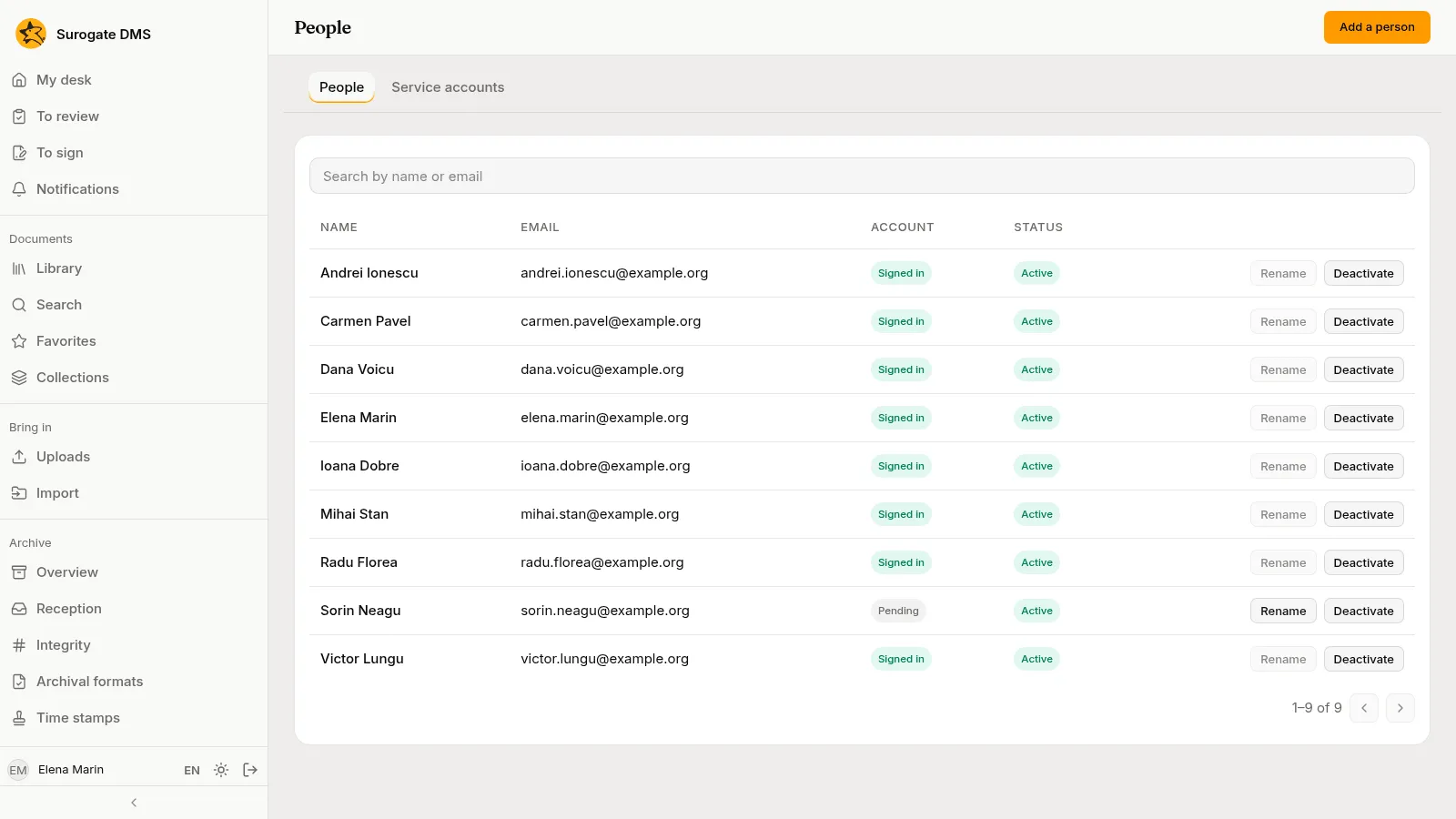
Section titled “Add a person”Administration › People lists the people with their Email, their Account (Signed in or Pending) and their Status (Active or Deactivated). Search by name or email finds one.
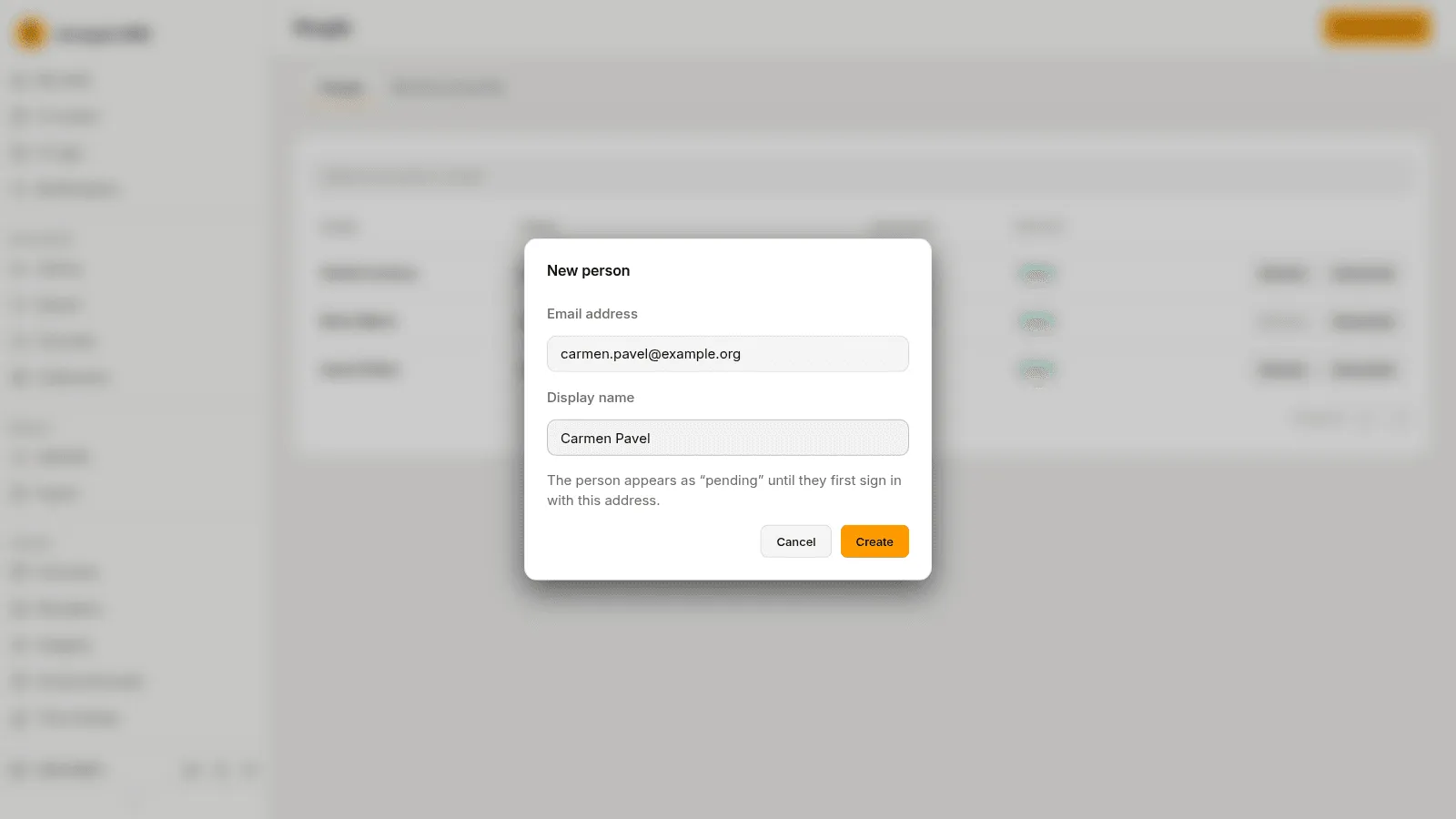
Press Add a person, type the Email address and the Display name, and press Create. The person appears as “Pending” until they first sign in with that address, and the roles you give them in advance work from that moment.
Change a person
Section titled “Change a person”- Rename changes the display name of a person who has not signed in yet. The name of a person who has signed in comes from their account and is changed there.
- Deactivate stops the person from signing in from their next request; their documents and history stay. Reactivate lets them sign in again.
People get their roles on Roles and permissions, by grants. See Roles and permissions.
Service accounts
Section titled “Service accounts”The tab Service accounts is for your IT team: the accounts of connected systems.