Document types
For administrators who hold the permission to manage document types: what a type is, how to make one and what it can and cannot change once documents use it.
What a type is
Section titled “What a type is”A document type lists the fields a document of that type has, the folder its documents are filed in by default, the nomenclator entry its dosare probably have and its personal-data defaults. Administration › Document types lists the types with their Fields, Default folder, Suggested entry and how many Documents use them.
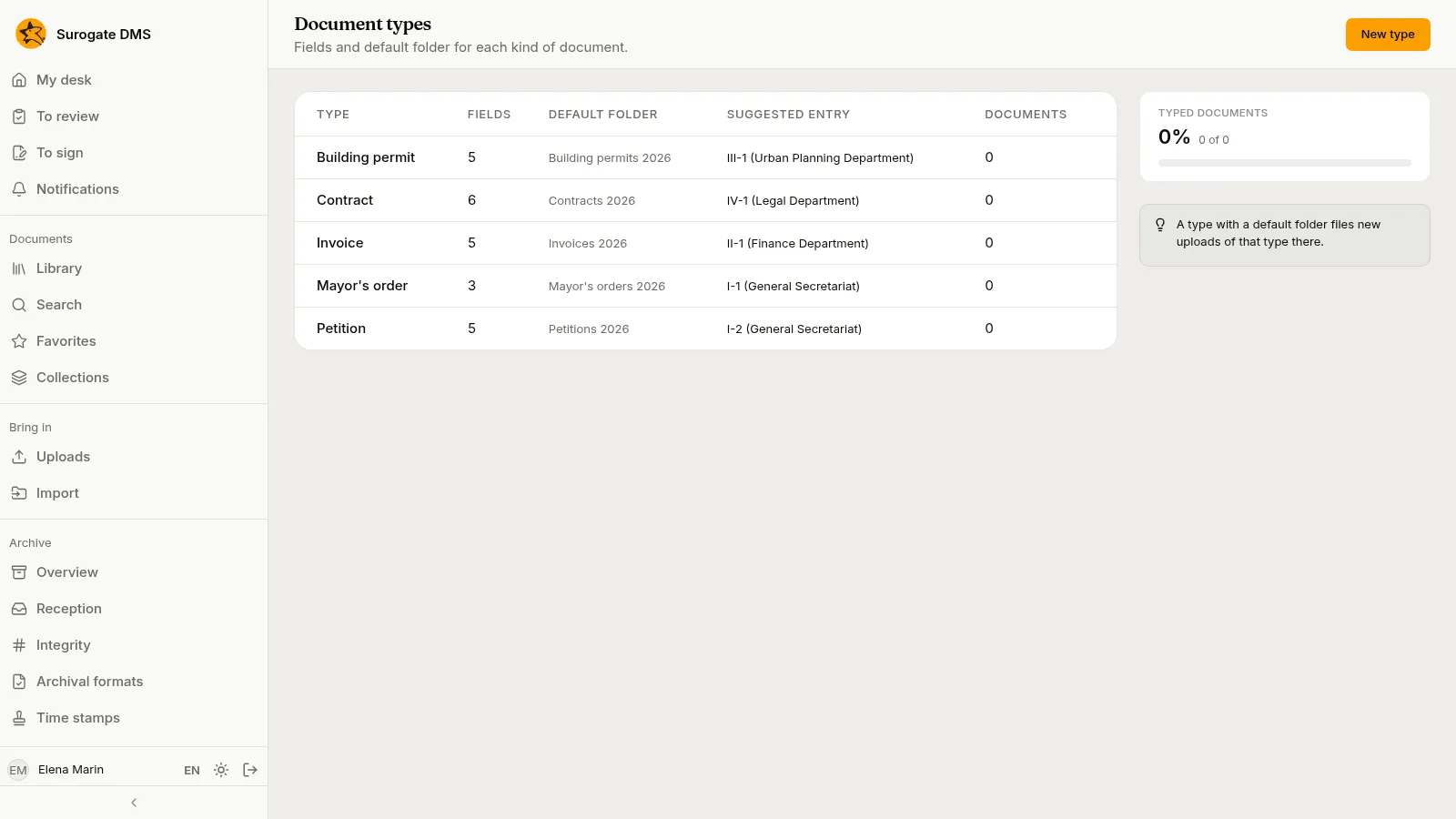
Make or change a type
Section titled “Make or change a type”Press New type, or open a type to change it.
| Part | What to enter |
|---|---|
| Type name | The name people see. Two types cannot have the same name. |
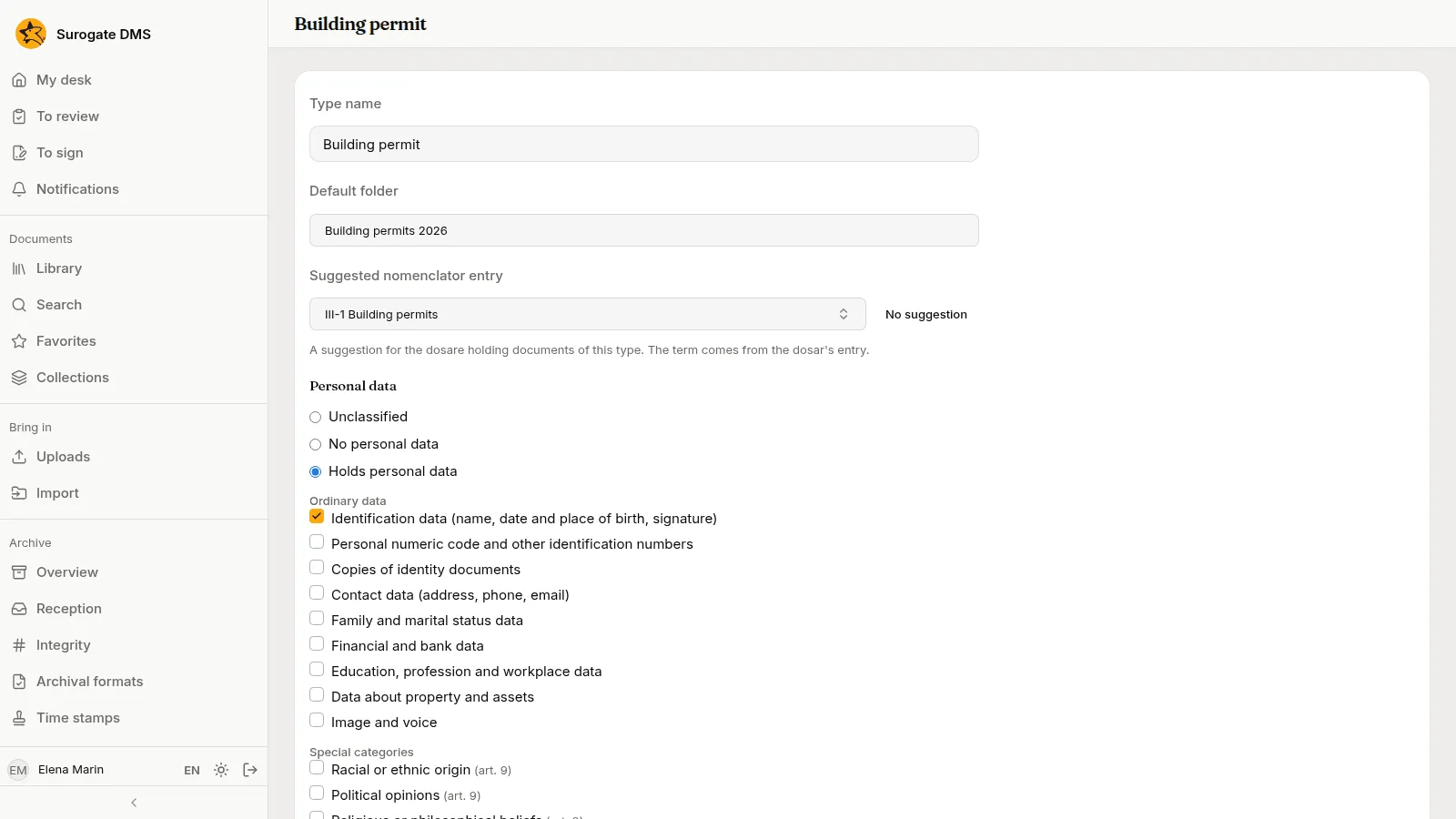
| Default folder | Optional. A document filed with this type goes to this folder. |
| Suggested nomenclator entry | Optional. The entry of the edition in force that the dosare holding documents of this type probably have. |
| Personal data | The default classification: Unclassified, No personal data or Holds personal data, with categories and a purpose. |
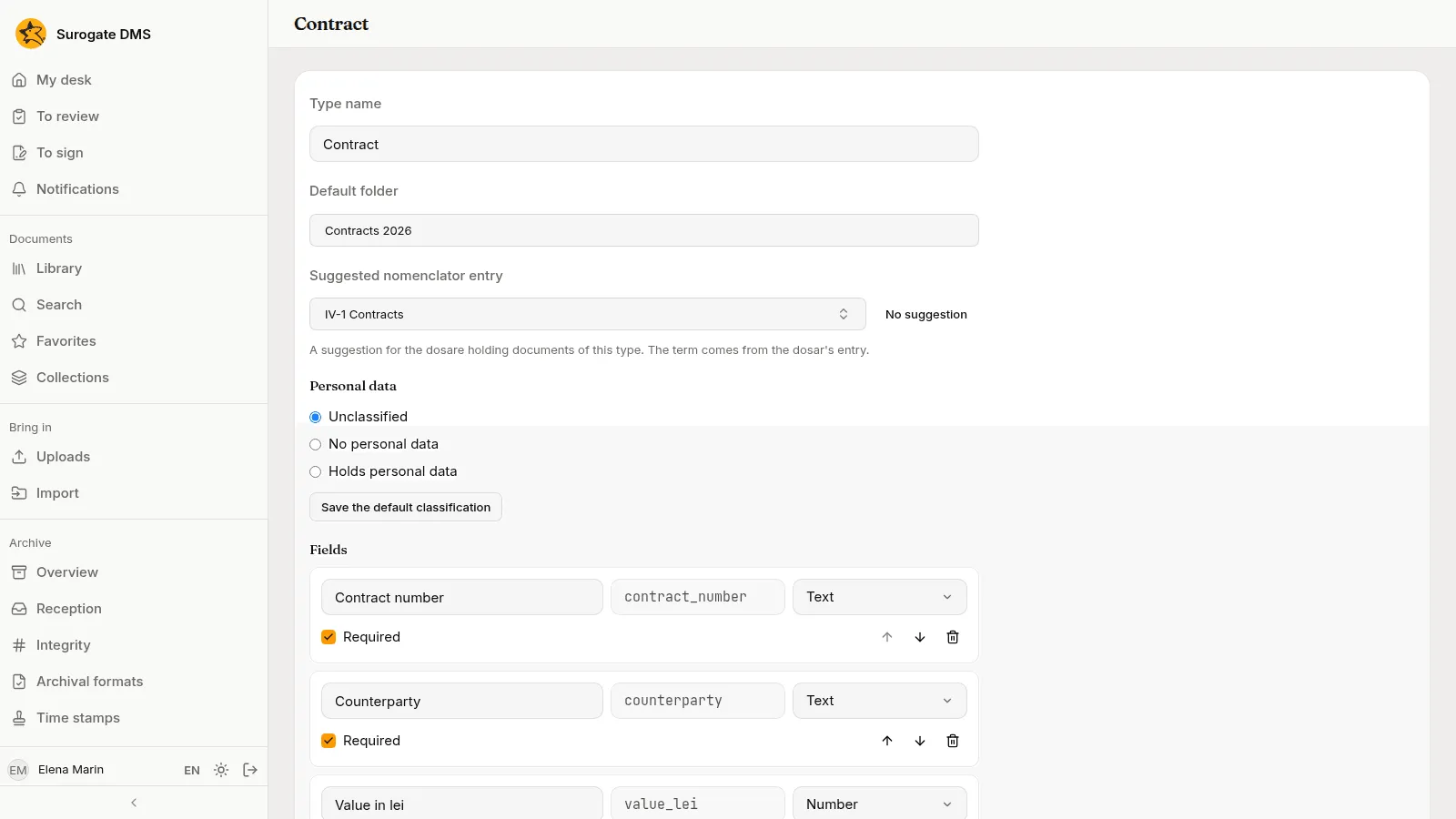
| Fields | Add a field adds a row. |
Fields
Section titled “Fields”Each field has a Field label, a Field key (the name its values are stored under, proposed from the label), a Kind of value and Required. The kinds are Text, Long text, Number, Date, List of options (write the options one per line), Person, Unit and Yes or no. The arrows move a field up or down and the bin removes it.
Default folder
Section titled “Default folder”A document filed with a type that has a default folder goes to that folder, and changing a document’s type to one with a default folder moves the document there.
Changing a type that has documents
Section titled “Changing a type that has documents”Renaming a type, changing labels, turning Required on or off, adding fields, reordering them and adding options are always allowed. The DMS refuses to remove a field that documents have a value for, to change the kind of such a field, or to remove an option a document holds. To retire a field, leave it. Documents already filed are not looked at again when you change a type: if you make a field required, they stay readable and keep their state, and the value is asked for the next time someone saves their metadata or validates them.
A type cannot be deleted.