The org chart
For administrators who hold the permission to manage the org chart: the units, positions and holders of your institution. The org chart decides who holds which grants, because a grant can go to a position or a unit.
Unit types and units
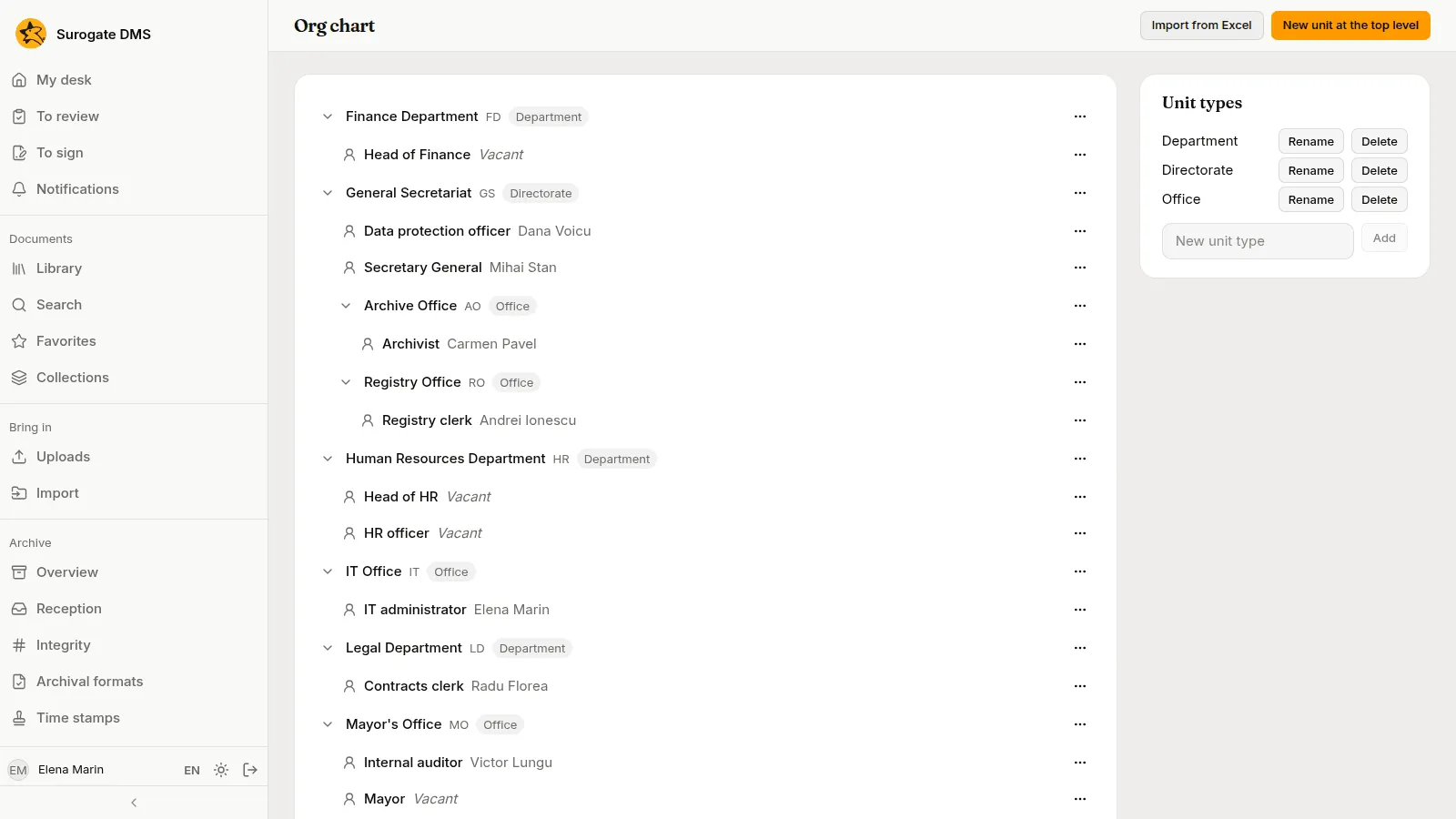
Section titled “Unit types and units”Administration › Org chart shows the units as a tree, with their positions. The panel Unit types on the right lists the types of unit (for example Directorate, Department and Office) with Rename and Delete; add one in New unit type with Add.
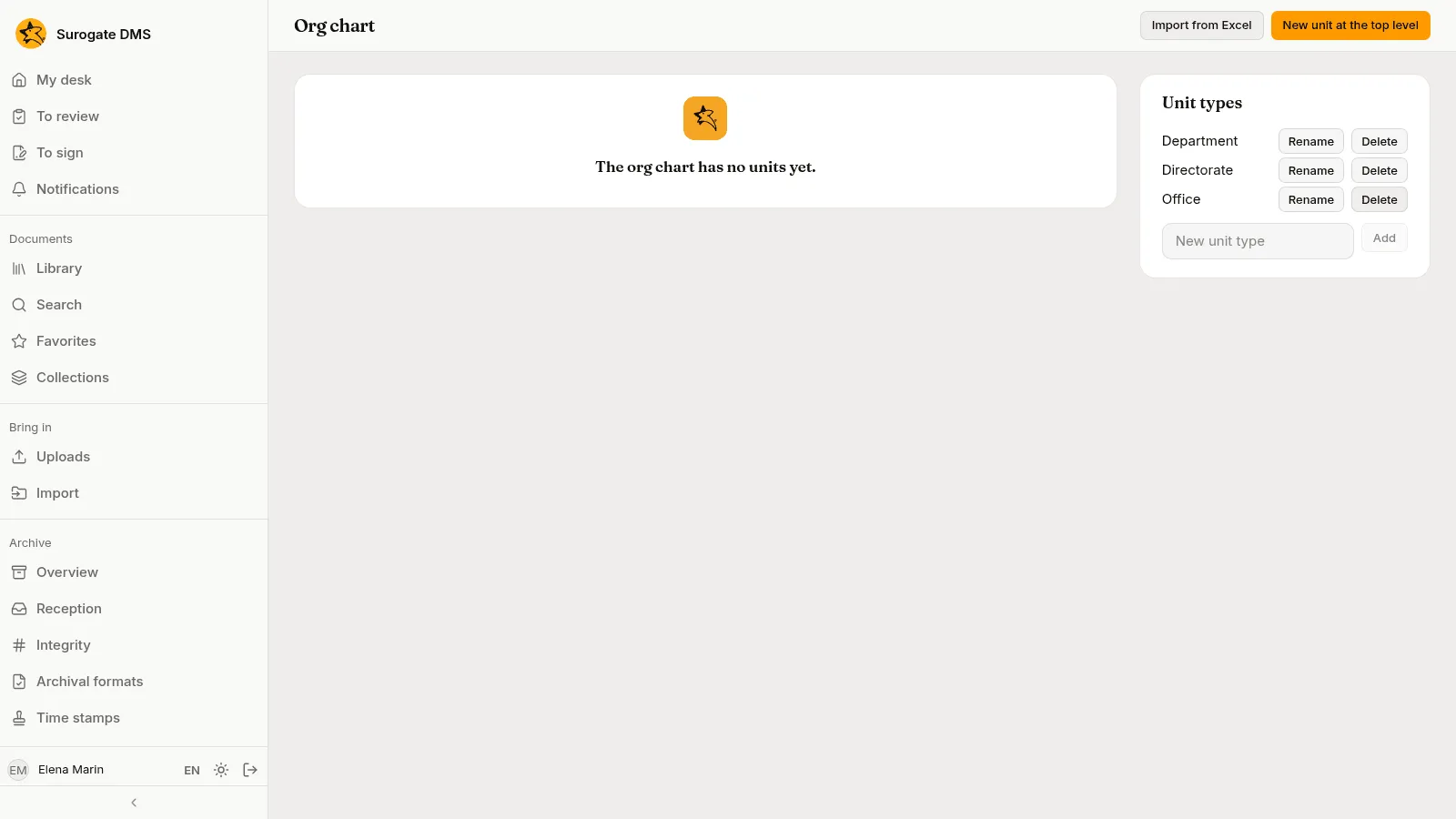
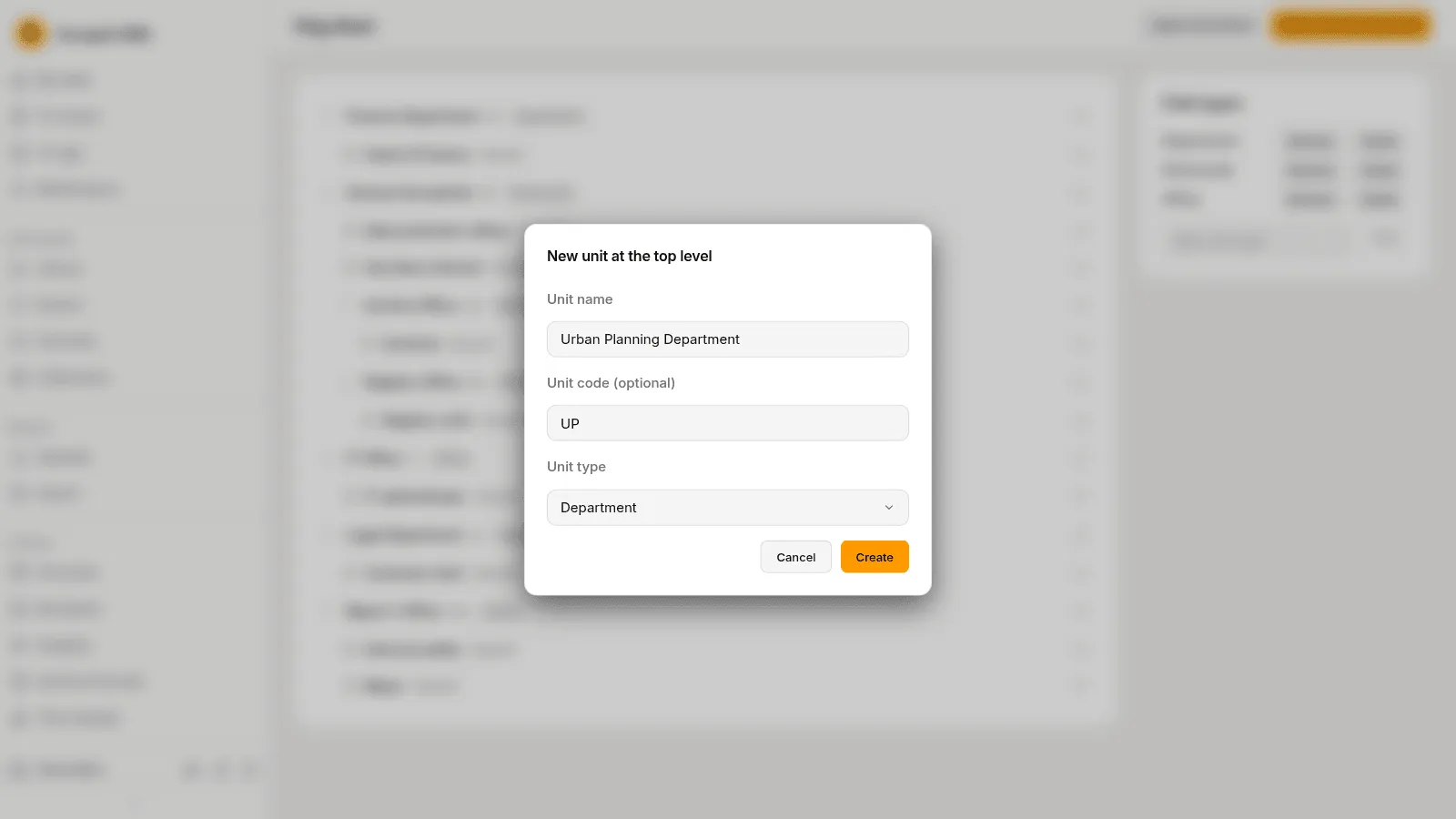
Press New unit at the top level, give the Unit name, an optional Unit code (optional) and the Unit type, and press Create.
The menu on each unit (Actions for the unit) lets you Edit the unit, Move the unit…, add a New subunit or a New position, and Delete the unit. You can also drag a unit onto another to move it, or onto the top of the tree to make it a top-level unit.
Positions and holders
Section titled “Positions and holders”A position has a title and, at most, one holder. The menu on a position (Actions for the position) has Rename the position, Move to another unit, Holder…, Vacate the position and Delete the position. Holder… opens a list of the active people; choose one.

A position nobody holds reads “Vacant”. Deleting a unit, a position or a type cannot be undone.
Import from Excel
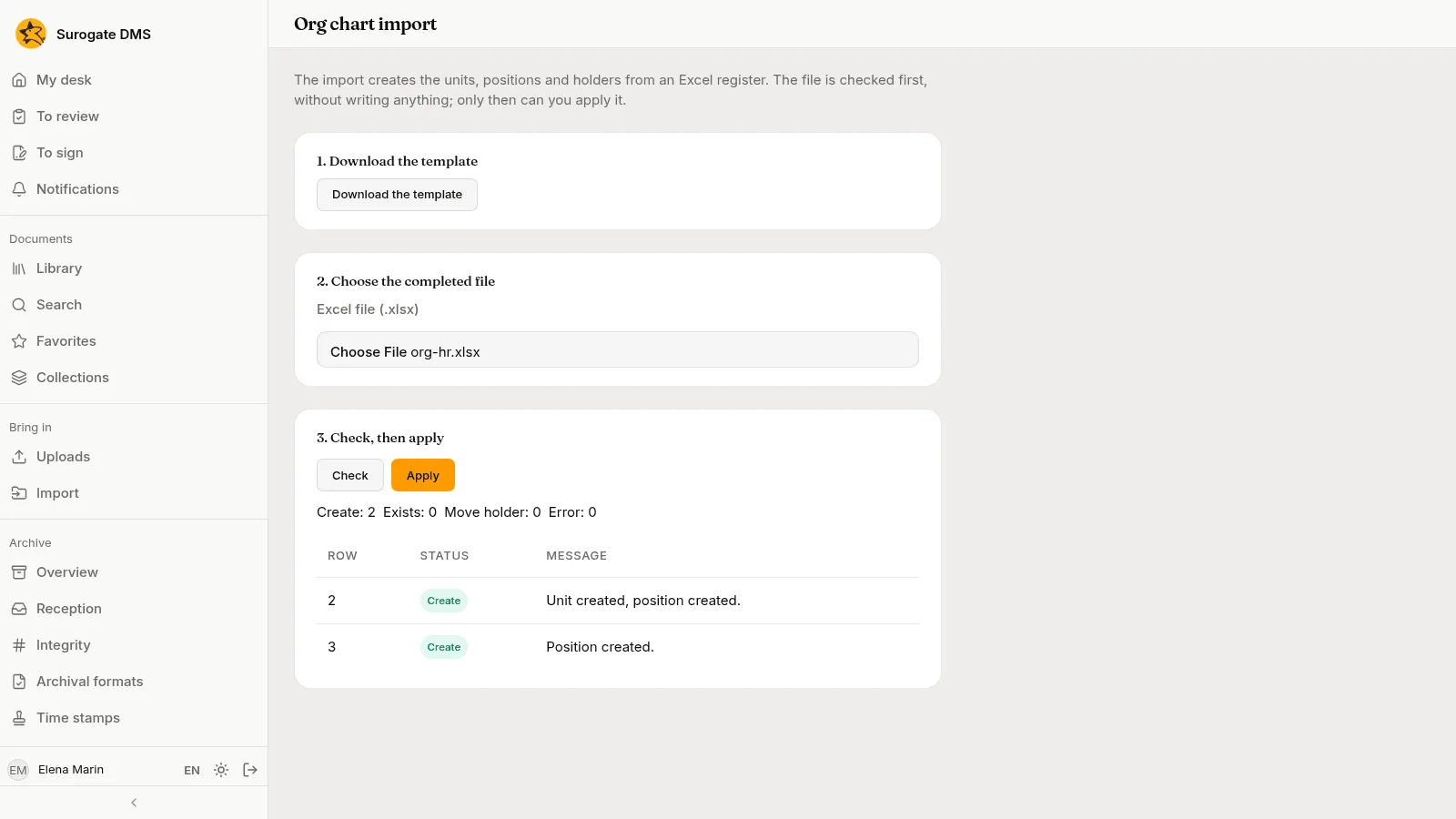
Section titled “Import from Excel”Import from Excel creates units, positions and holders from a spreadsheet. The page has three steps: Download the template, choose the completed file, then Check and Apply. The check writes nothing; it lists each row as Create, Exists, Move holder or Error, with a message, and Apply is for when it is right.
Who gains or loses access
Section titled “Who gains or loses access”A person’s access follows their position: a person who takes over a position gets the grants given to the position and to its unit, and loses them when they leave it. Moving a unit changes what the grants “with its subunits” reach.