The nomenclator
For administrators who manage the nomenclator: importing the edition your National Archives approved, mapping its compartments to units, putting it in force and amending it. People who consult the archive can read the page but not change it.
What it holds
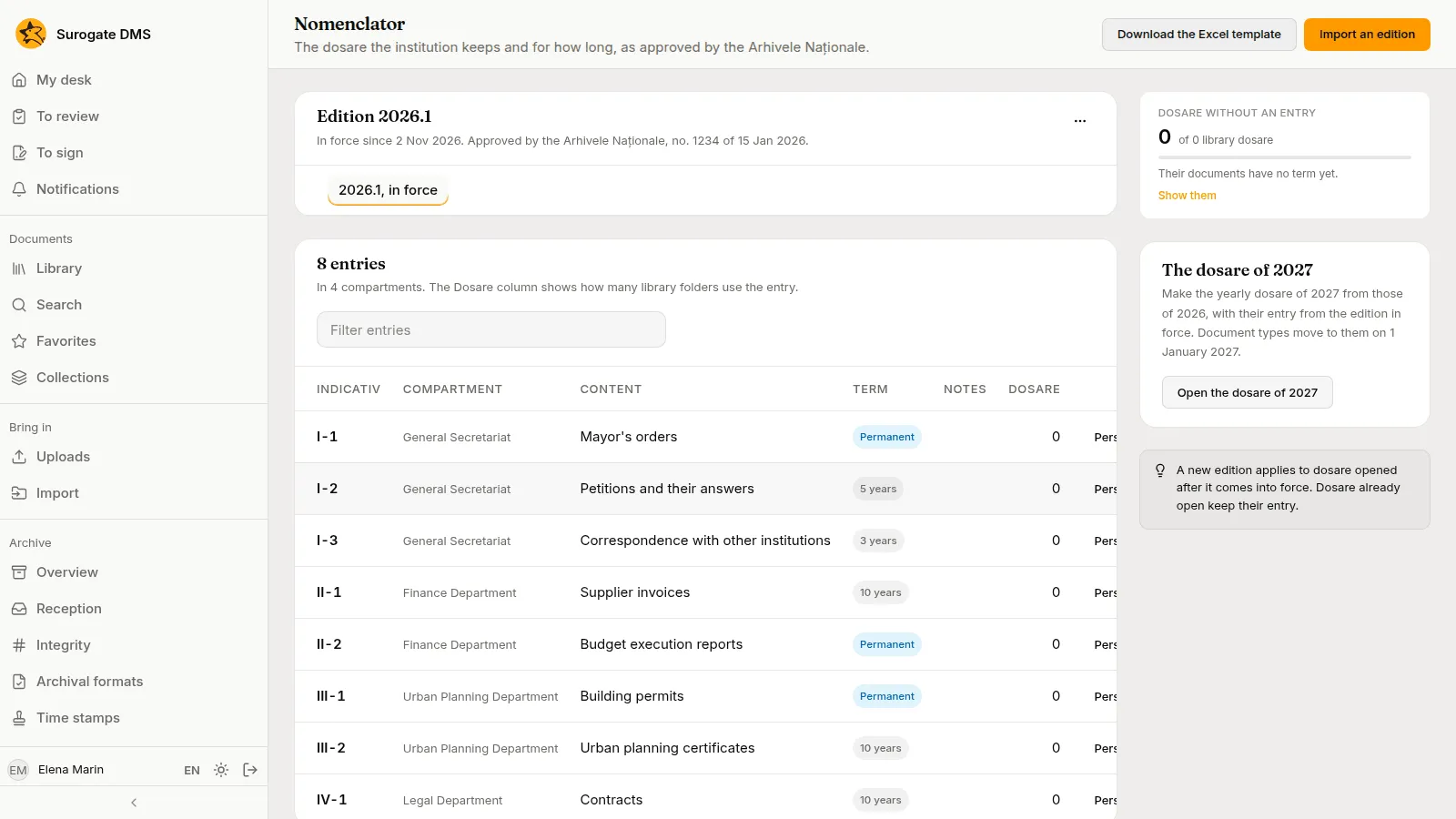
Section titled “What it holds”The nomenclator lists the dosare the institution keeps and for how long, as approved by the Arhivele Naționale. An edition is one approved version: draft while you prepare it, in force while it applies and superseded after a newer one is put in force. Each entry has an Indicativ, a Compartment (a unit), a short Content, a Term (a number of years or Permanent) and Notes; the column Dosare counts the library folders that use it.
Import an edition
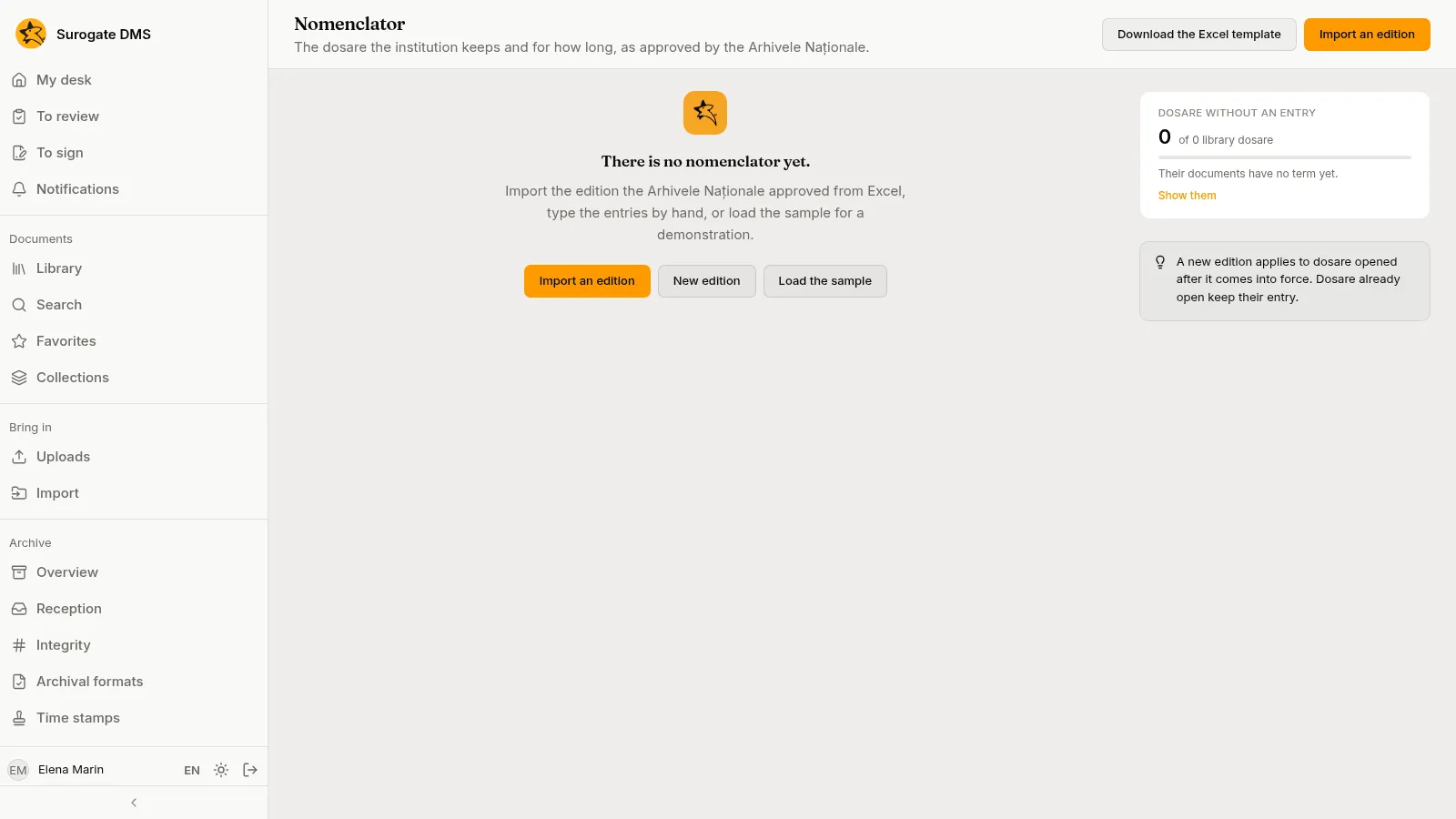
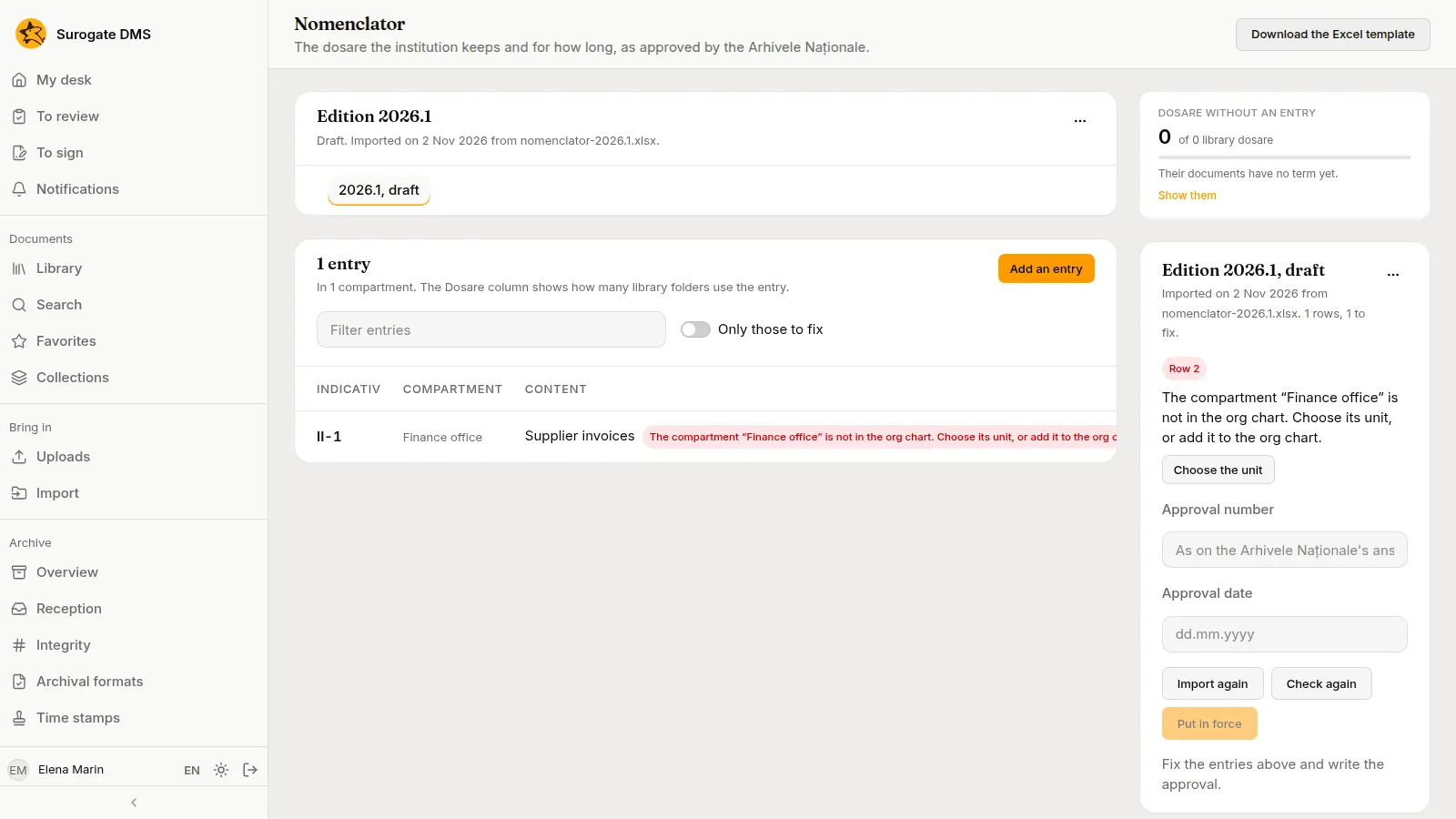
Section titled “Import an edition”Download the Excel template with Download the Excel template, fill it with the entries of the approved edition, press Import an edition, choose the file and give the edition a name. The edition is a draft. The page lists the entries and what needs fixing.
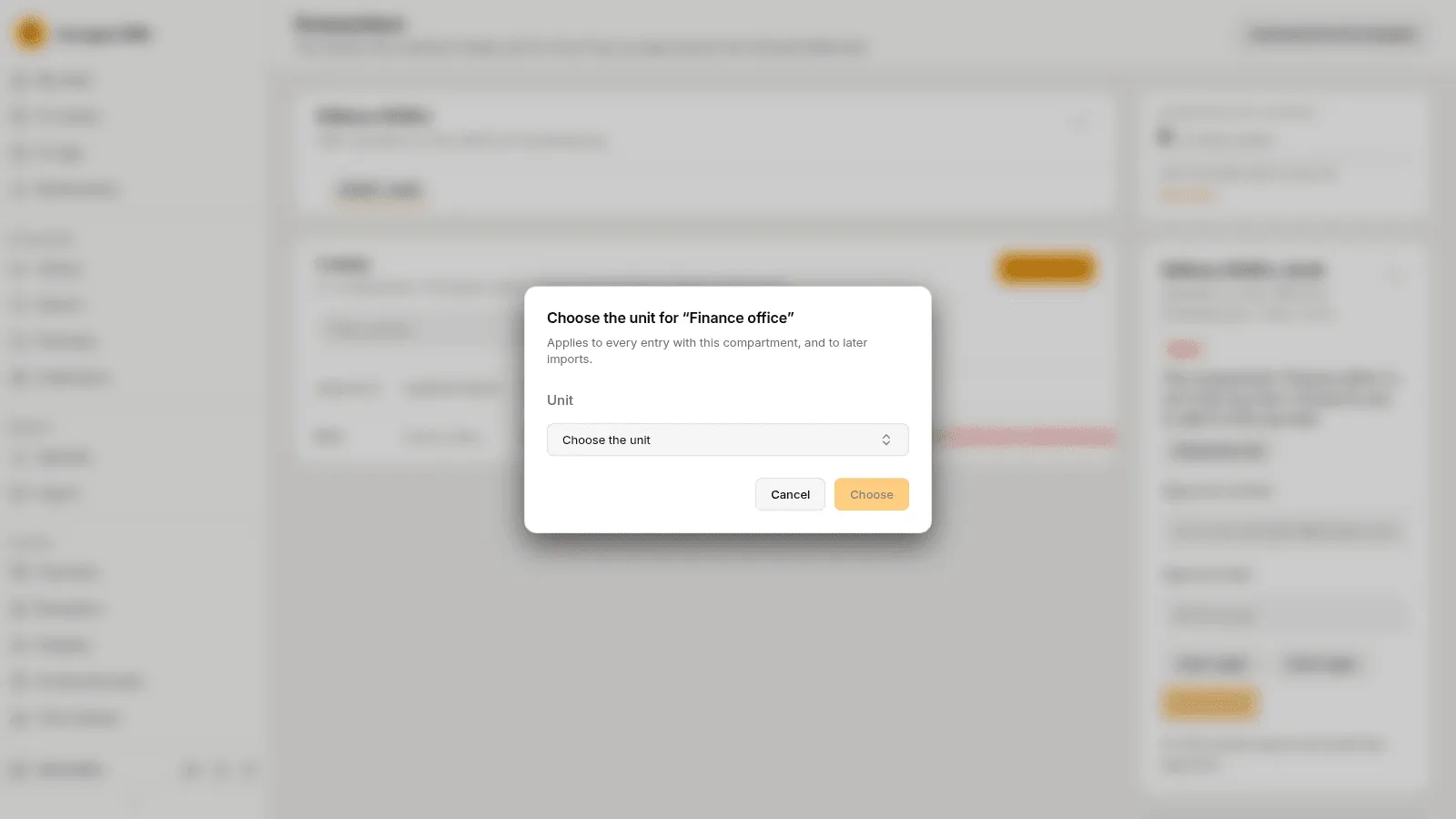
- A compartment that matches no unit of the org chart is listed as a problem. Press Choose the unit and choose the unit; the choice applies to every entry with that compartment and to later imports.
- Only those to fix shows just the entries with problems. Check again checks the draft after changes, and Import again replaces its entries with a new file.
- You can Add an entry, Edit or Delete one by hand.
Put it in force
Section titled “Put it in force”Fill in the Approval number and the Approval date (written dd.mm.yyyy) and press Put in force. The dialog says what changes and asks for the date it is In force from.
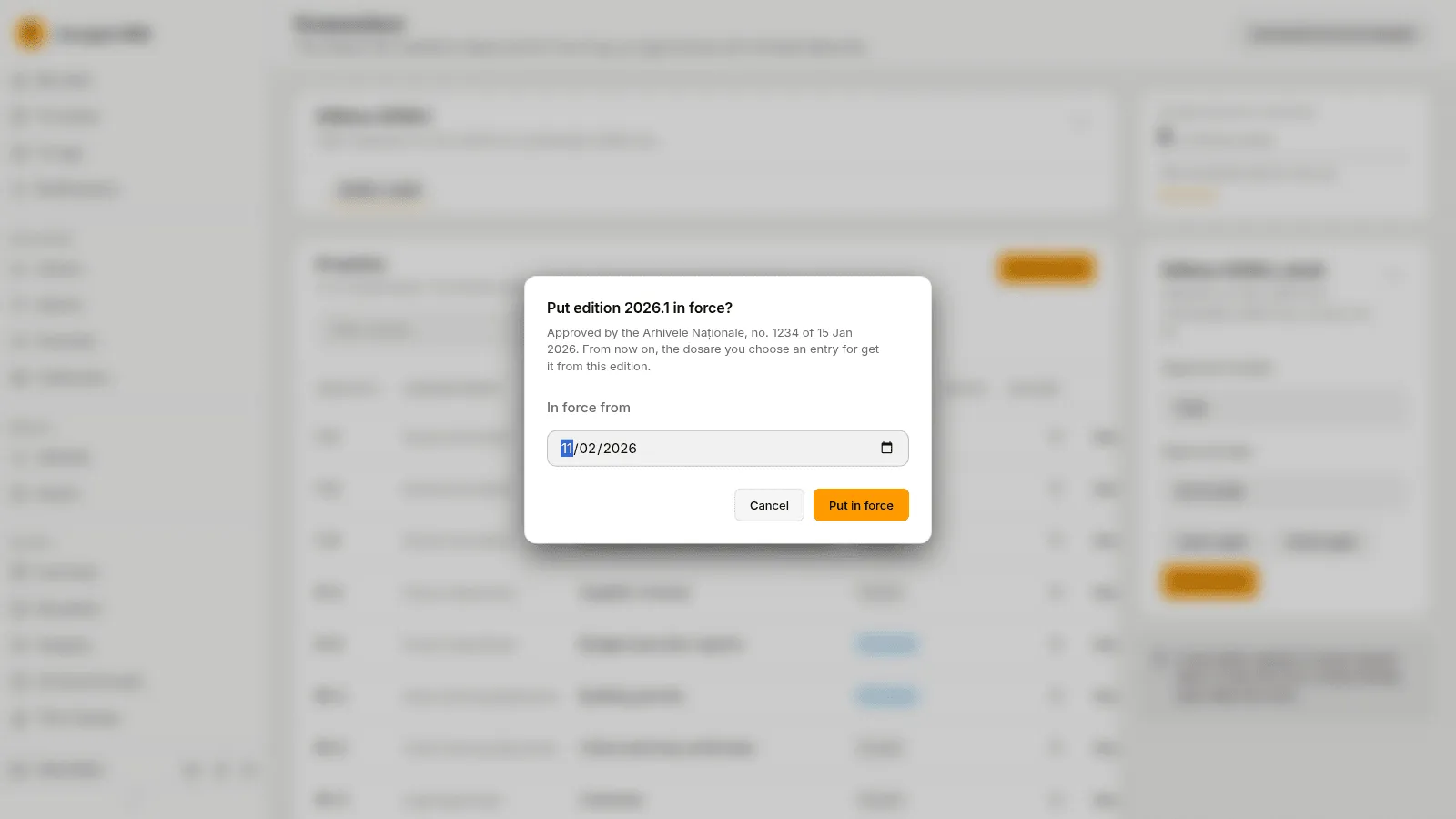
From then on, the dosare you choose an entry for get it from this edition. Dosare that have an entry from an earlier edition keep it, and that edition stays in the list as superseded.
Amend the nomenclator
Section titled “Amend the nomenclator”An amendment is a new edition. Open the edition’s Edition actions menu and choose Copy into a new edition, name it, change the entries and put it in force as above. The confirmation compares it with the edition in force. Download as Excel saves an edition, Change the name and approval corrects its name and approval, and Delete the draft edition drops a draft. Only one draft can exist at a time.
Personal-data defaults
Section titled “Personal-data defaults”An entry can carry a default personal-data classification, so documents in its dosare are classified when filed. Use Personal data on the entry’s row.
The sample
Section titled “The sample”Load the sample loads a demonstration nomenclator. It is for trying the DMS: import the edition your National Archives approved before the archive goes live.