The library
For everyone who files or reads documents: the folder tree, a folder’s page and the folders you make yourself. The Library lists only the folders you may read.
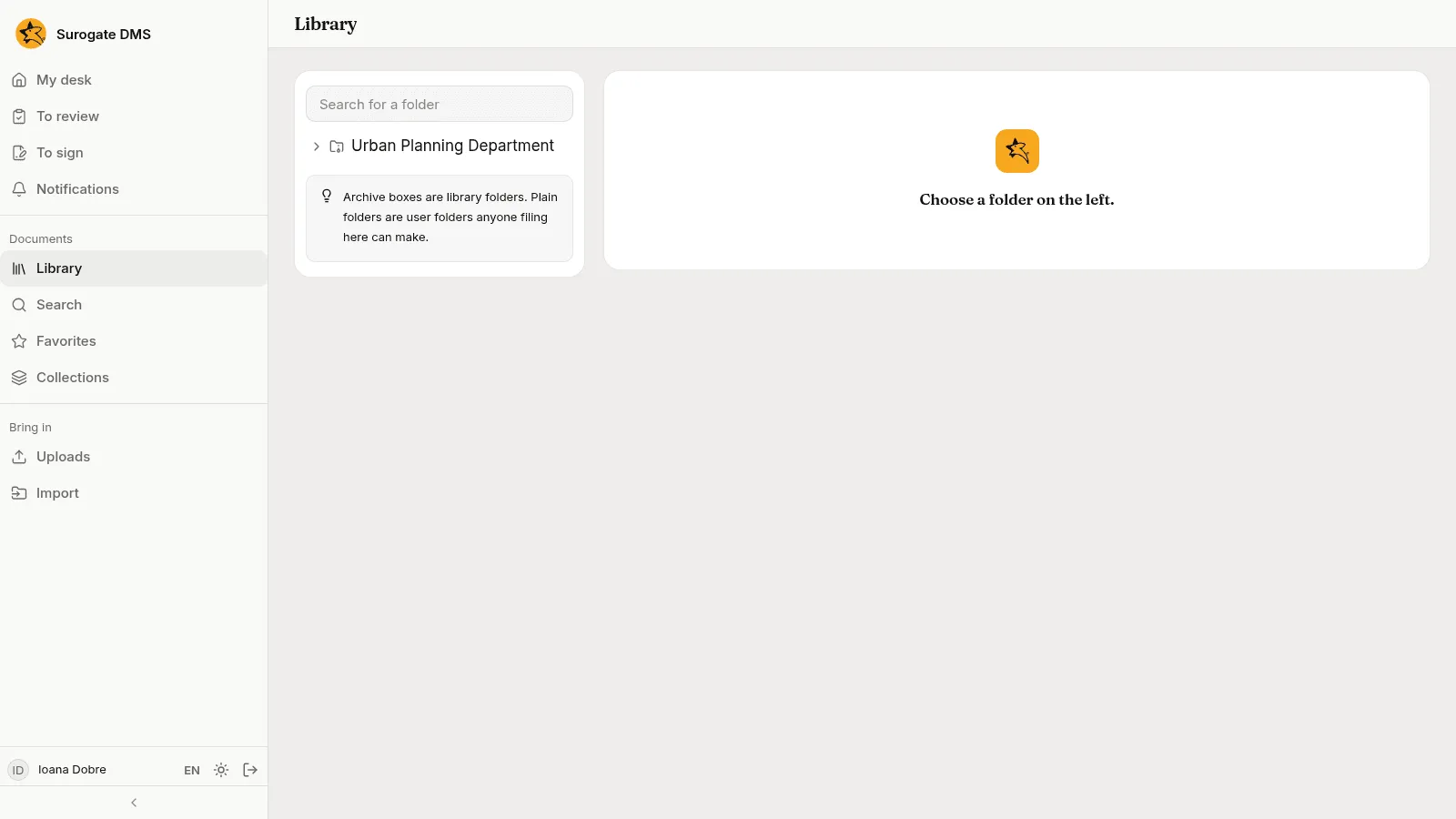
Find a folder
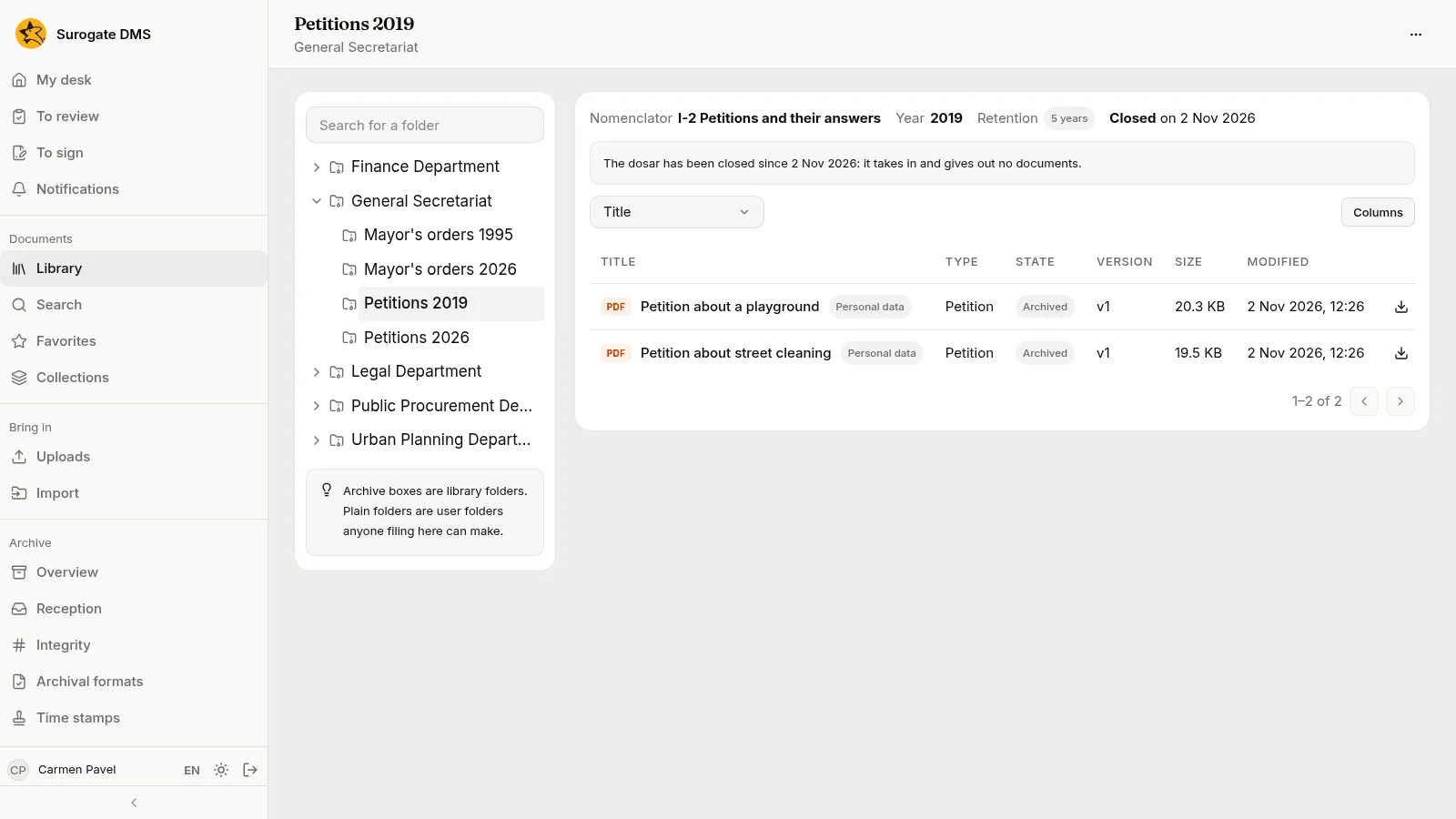
Section titled “Find a folder”On the left is the tree of folders. Press the arrow beside a folder to open it; type in Search for a folder to find one by name.
A folder’s page
Section titled “A folder’s page”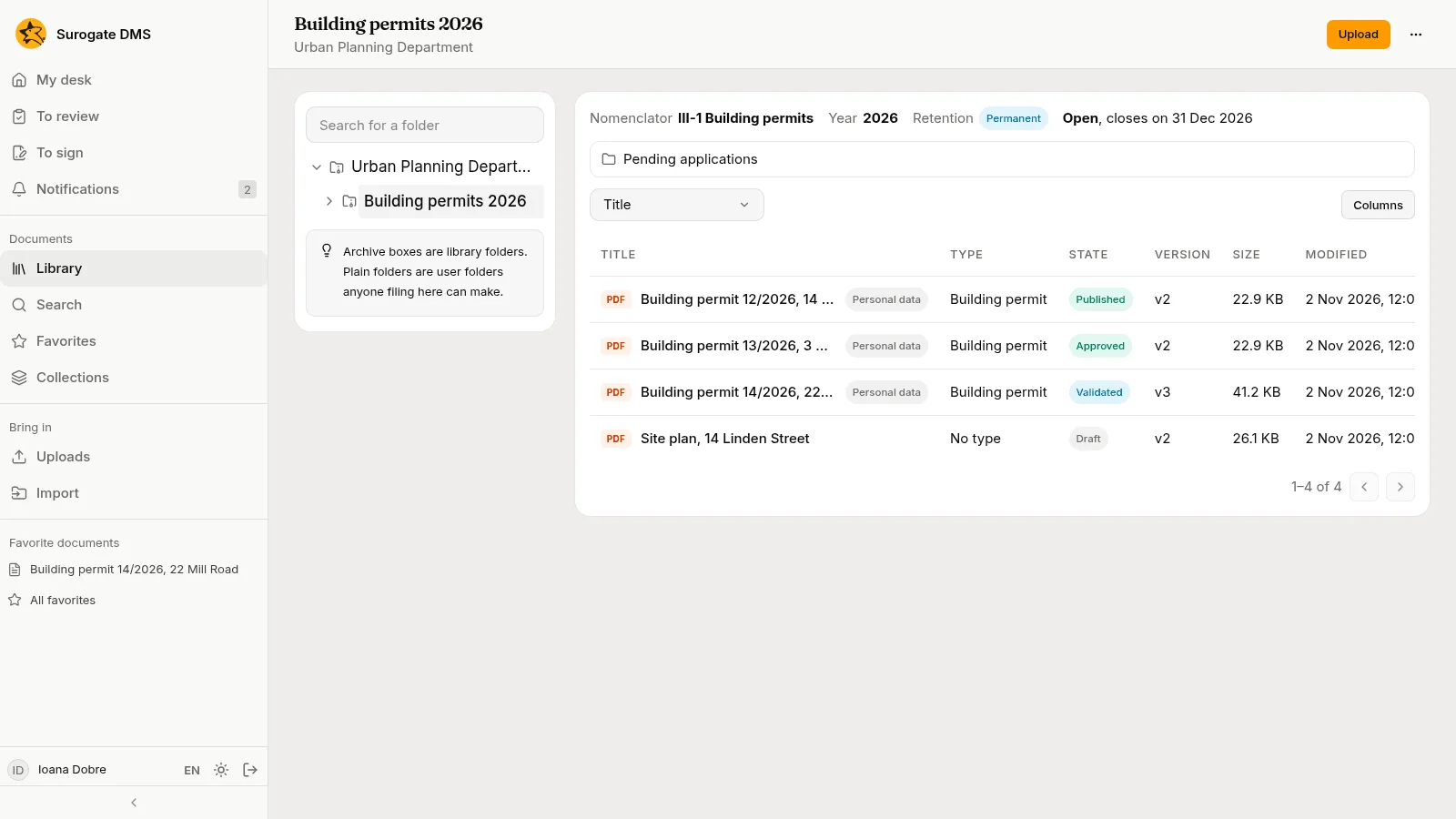
At the top of a dosar’s page are its facts: the Nomenclator entry, the Year, the Retention and whether it is open or closed. Under them is the table of documents with the columns Title, Type, State, Version, Size and Modified. Columns chooses what the table shows and the box at the left sorts it. A user folder inside the dosar is listed above the table.
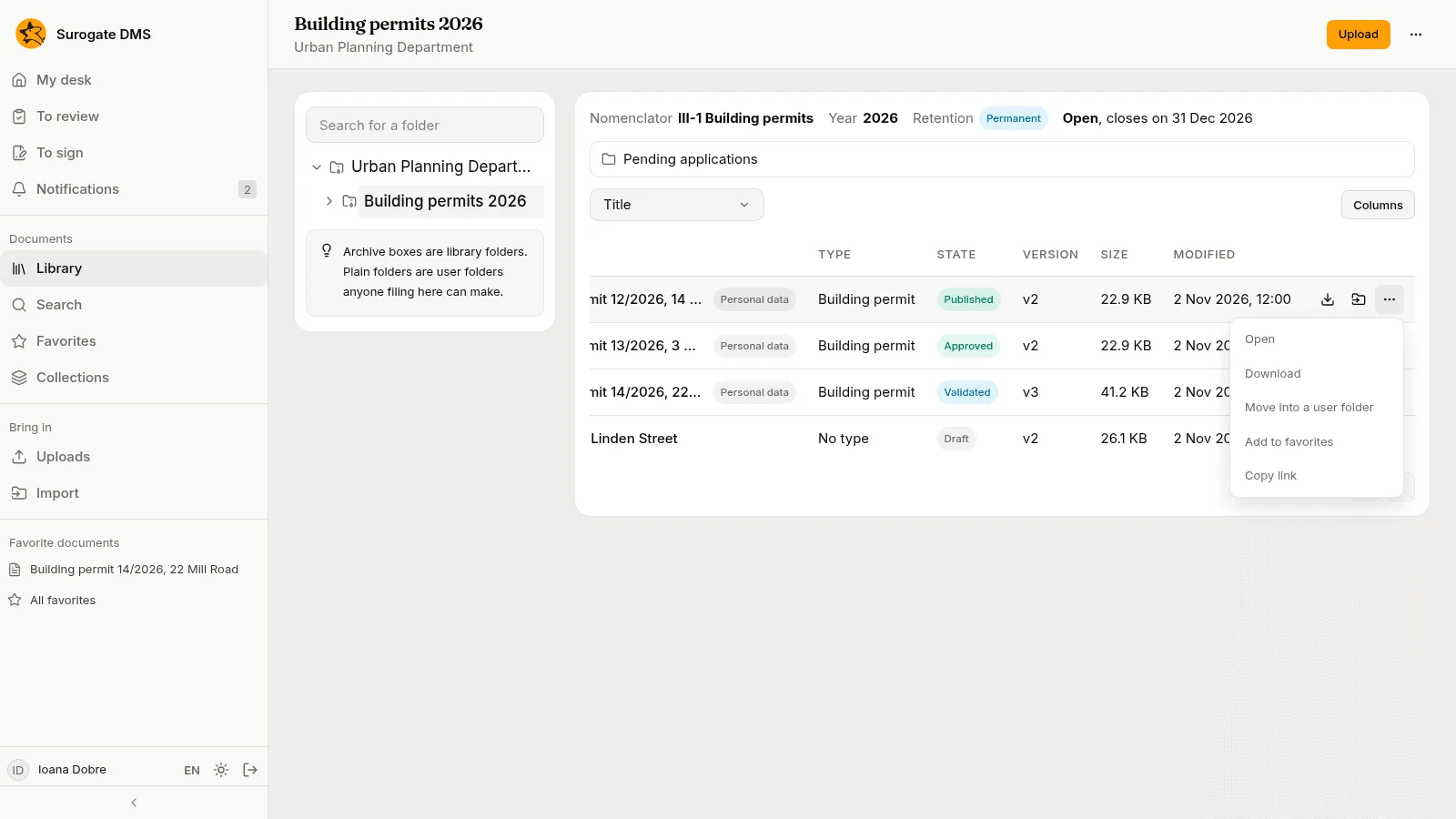
Each row has buttons to download the document, Move into a user folder and More actions.
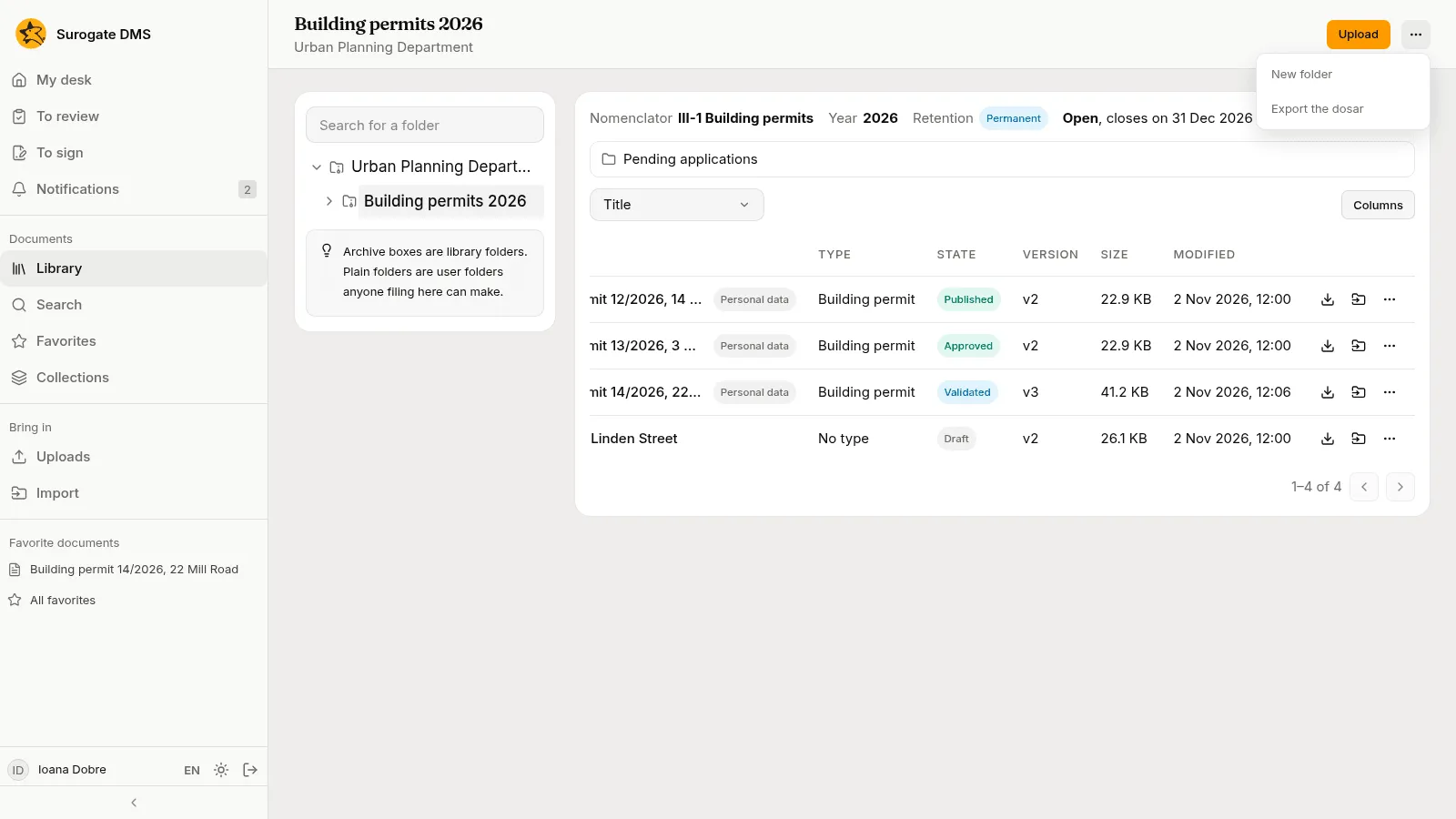
The Folder actions menu at the top right of a page lists what you may do with the folder: New folder, and Export the dosar. People who manage dosare also see Hold the dosar, Close the dosar and Choose the nomenclator entry.
User folders
Section titled “User folders”Anyone who may add documents to a library folder can make a New folder inside it to arrange their files, and folders nest as deep as you like. A user folder is not private: everyone who can open the library folder sees it and its documents, with the same access.
Closed dosare
Section titled “Closed dosare”A closed dosar takes in and gives out no documents: the page says “The dosar has been closed since” with the date. Its documents are still there to read. See Folders and dosare for closing and reopening.
Moving documents
Section titled “Moving documents”Move into a user folder on a row moves a document within its library folder, and needs the right to edit documents there. Move on a document’s page moves it to another folder and needs the right to move documents. An archived document cannot be moved.