

Copilot (⌘+/)
The Copilot drives the platform itself on your behalf. Press ⌘+/ (Mac) or Ctrl+/ anywhere in ops.surogate.ai. For the operator’s introduction, see Work mode → Copilot.
This chapter covers what builders should know that operators don’t need: where it slots into automation, what it can and can’t do, and the safety pattern that wraps destructive operations.
What the Copilot does for you
Section titled “What the Copilot does for you”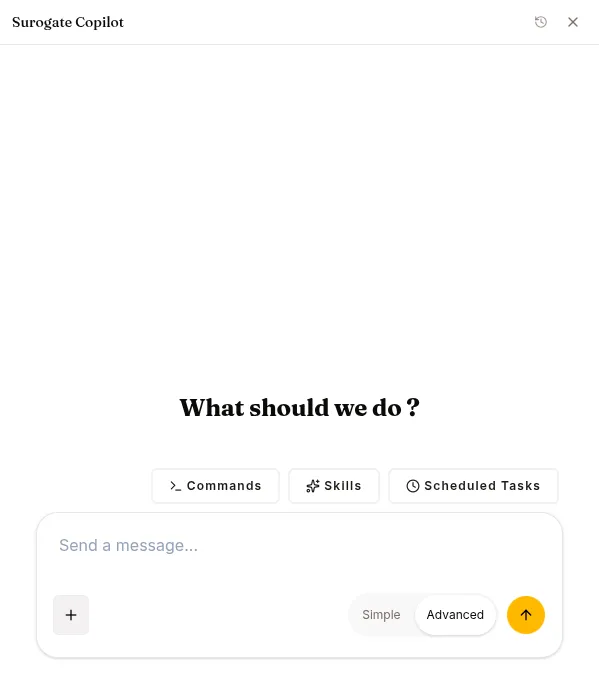
It exposes the platform’s tools as natural-language commands. Instead of clicking through CONFIG / KNOWLEDGE & TOOLS / channels, you describe what you want and the Copilot calls the corresponding tools.
Read operations (always on)
Section titled “Read operations (always on)”- Inventory: “What agents do I have, and how many sessions did each have yesterday?”
- Lookup: “Show me my customer-support-bot’s attached skills, KBs, and current model.”
- Search: “Find sessions where the agent thumb-downed in the last 7 days.”
- Status: “What’s the success rate of the sql-writer expert this week?”
Write operations (gated by CLARIFY confirmation)
Section titled “Write operations (gated by CLARIFY confirmation)”The Copilot can create / update / delete most resources you can manage in the UI:
create_skill/update_skill/delete_skillcreate_dataset/delete_datasetcreate_knowledge_base/delete_knowledge_basecreate_environmentcreate_agent/start_agent/stop_agent/scale_agent/delete_agentattach_skill_to_agent/detach_skill_from_agentattach_mcp_server_to_agent/detach_mcp_server_from_agentattach_kb_to_agent/detach_kb_from_agentdeploy_model/stop_servingstart_training/cancel_training
The CLARIFY confirmation
Section titled “The CLARIFY confirmation”Before any destructive or expensive operation, the Copilot shows a Yes/No card inside the chat with the specific resource ID it’s about to touch. Operations that require this:
| Operation | Why |
|---|---|
delete_* (any kind) |
Irreversible |
start_training |
Burns GPU hours |
deploy_model |
Burns GPU hours |
scale_agent to higher replicas |
Cost increase |
start_agent on an error agent |
Triggers a re-deploy |
Routine writes — create_skill, update_skill, create_dataset, create_knowledge_base, stop_agent, cancel_training — don’t require CLARIFY. The Copilot proceeds directly.
What the Copilot won’t do
Section titled “What the Copilot won’t do”- It has no browser tool. By design — it works from the platform’s own tools, not the open web; it’s not a research agent.
- It can’t see cross-project state. Operates inside the current project only.
- It can’t change billing, manage Stripe, or rotate your account password.
Programmatic equivalents
Section titled “Programmatic equivalents”Every Copilot operation maps to a REST API endpoint. If you’re building automation, prefer the API directly — the Copilot is for interactive use, not headless pipelines. See the API reference sections under each feature (Agents, Skills & Experts, Datasets, etc.).
Failure modes you’ll see
Section titled “Failure modes you’ll see”401 “Invalid base LLM token” — the platform’s default LLM credential isn’t provisioned for your tenant. Admin-side fix.
Copilot loops on a tool call and times out — known issue with the read_resource enumeration path when asking about KBs. Workaround: scope your question. Instead of “list my KBs” try “what KBs does my customer-support-bot have attached?”
Copilot returned {error: ...} and gave up — by design. It won’t retry blindly on errors. Read the error, fix the underlying issue, re-ask.
Keyboard shortcuts
Section titled “Keyboard shortcuts”- ⌘+/ / Ctrl+/ — open the drawer
- Esc — close
- Enter — submit
- Shift+Enter — newline
The drawer’s header has a history menu (clock icon) — switch between past Copilot conversations, rename them, or start a new chat. Each conversation is its own session and resumes where you left off.