Your settings
Your settings is where you choose which emails Keel sends you about your work. It says: “Keel tells you about your work here, in Work, and by email. Choose which emails you get: Needs me and Updates always show everything, and emails go out as things happen, at any hour.”
Open it with Notification settings in the header of the Work page, or with Your settings in the bar at the bottom of the left rail. The choices are yours alone, and for the project you have open: “These choices are for this project only.” Someone on the staff of two projects chooses for each.
What a notice is
Section titled “What a notice is”A notice is Keel telling you something about your work: that an item reached you, that a deadline is near, that a colleague mentioned you. Every notice shows in Keel, in Needs me or in Updates. A notice can also reach you by email. The page chooses which ones do.
The emails
Section titled “The emails”Under Email, the table has one row for each kind of notice, with a switch in its Email column. Every switch is on until you turn it off, and a change is saved at once: Keel says Turned off: or Turned on: and the notice, such as “Turned off: A goal nears.”
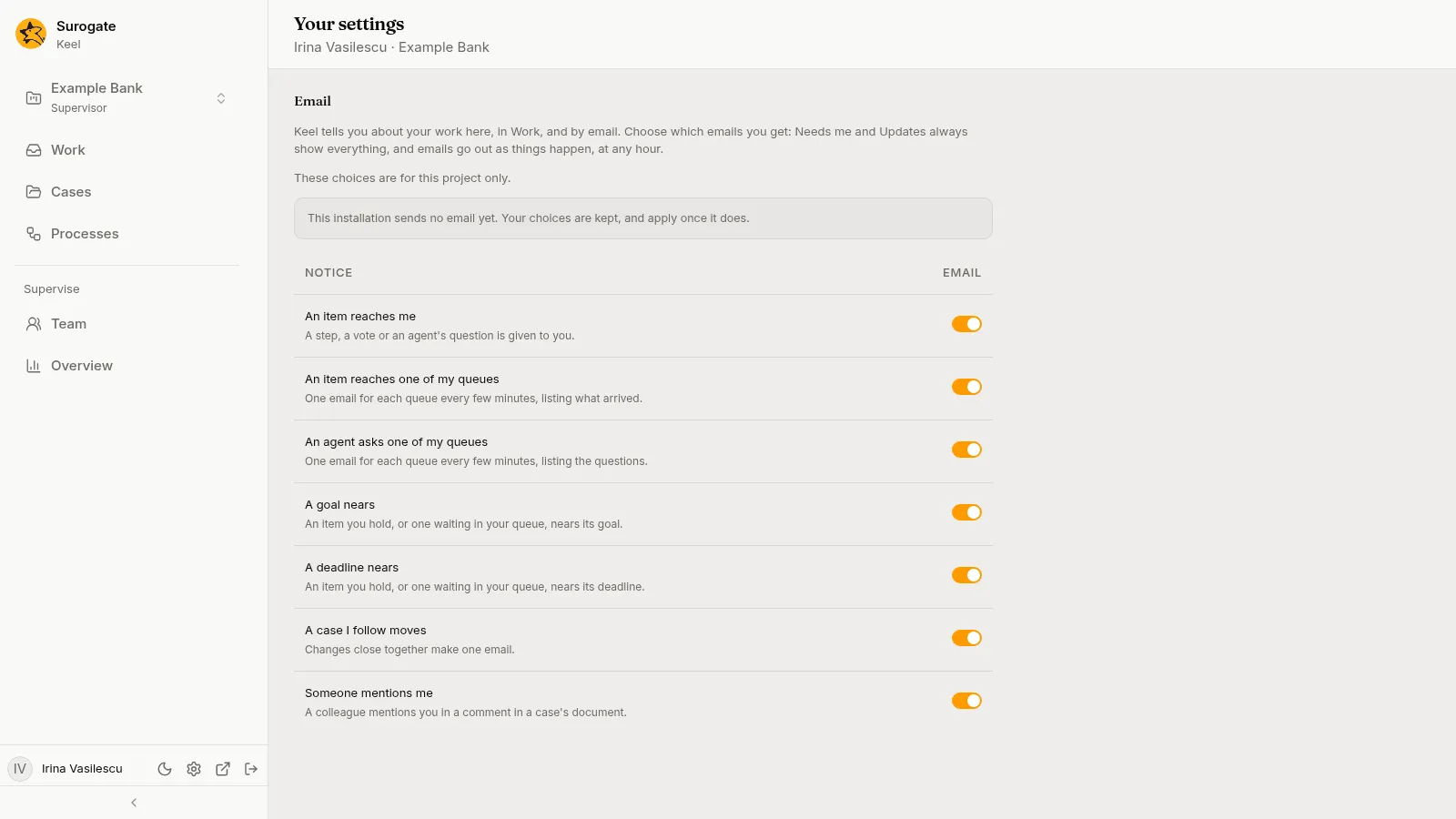
| Notice | When Keel emails you |
|---|---|
| An item reaches me | A step, a vote or an agent’s question is given to you. |
| An item reaches one of my queues | One email for each queue every few minutes, listing what arrived. |
| An agent asks one of my queues | One email for each queue every few minutes, listing the questions. |
| A goal nears | An item you hold, or one waiting in your queue, nears its goal. |
| A deadline nears | An item you hold, or one waiting in your queue, nears its deadline. |
| A case I follow moves | Changes close together make one email. |
| Someone mentions me | A colleague mentions you in a comment in a case’s document. |
Turning a switch off stops the email, never the notice: Needs me and Updates always show everything. There are no quiet hours; emails go out as things happen, at any hour.
If Keel has been set up to send no email, the page says: “This installation sends no email yet. Your choices are kept, and apply once it does.”
Emails while you are away
Section titled “Emails while you are away”While you are away, the emails about the queues you work go to your substitute, and to no one when you have none. An item that stays with you is mailed to no one. A colleague’s mention of you, and a case you follow that moved, still come to you.