Team queues
A queue is a team’s shared list of work. Steps, votes, agents’ questions and escalations can go to a queue instead of one person. Its members claim the work, or get it with Get next. Builders define each queue and its serving order; supervisors decide who works it. Members can be people or agents.
Open a queue from the Work page’s left column: under Team queues, each queue you are a member of shows with how many items are open in it. All queues lists every queue of the project.
A queue
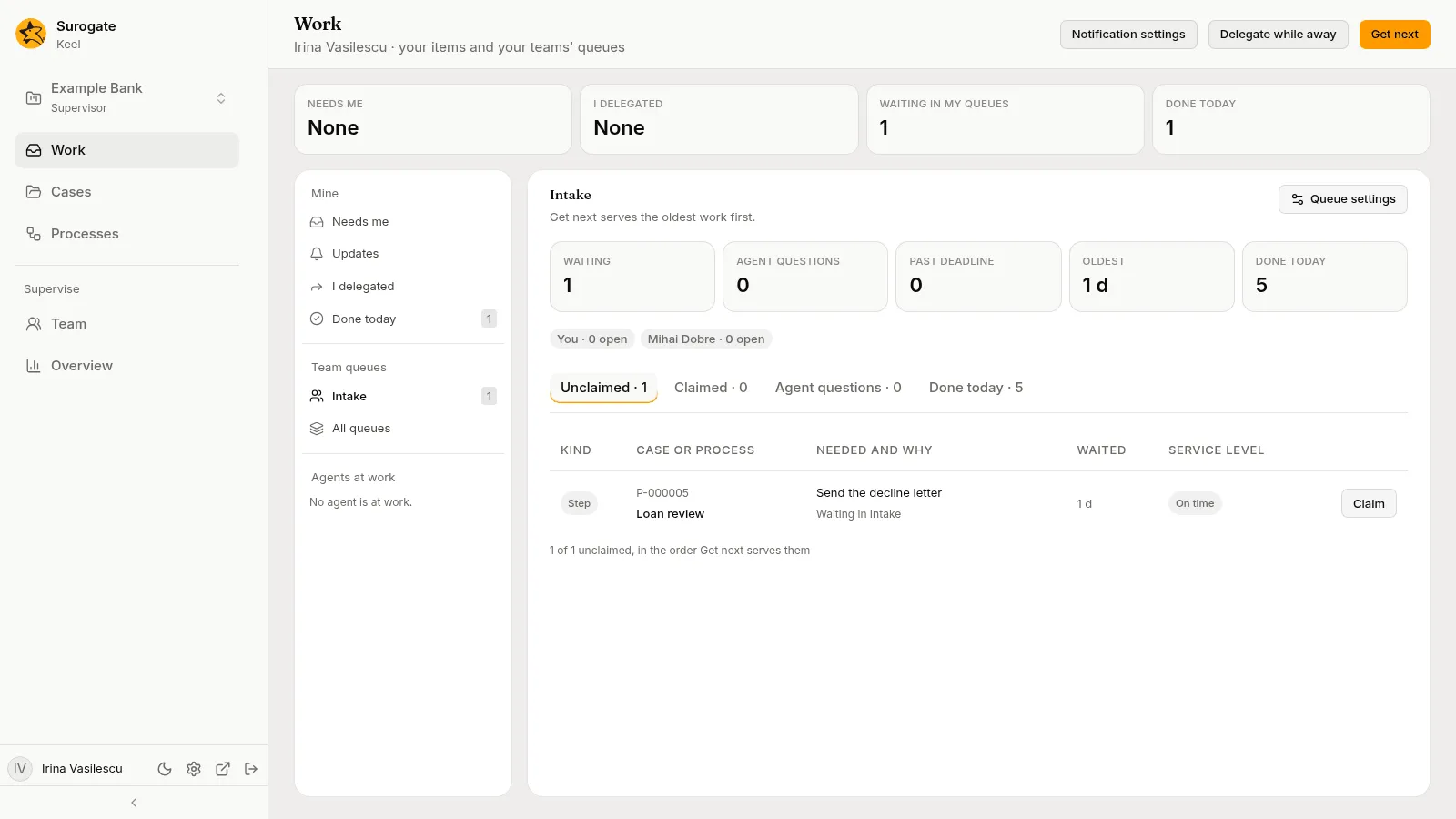
Section titled “A queue”The queue’s page shows:
- its name and its serving order in words, such as “Get next serves past-deadline work first, then agents’ questions, then the nearest deadline.”;
- its figures: Waiting (its open items, claimed or not), Agent questions, Past deadline, Oldest (how long the oldest item has waited) and Done today. When votes run in the queue, Votes counts them too: a vote is each member’s own work and never waits in the queue;
- its members, people and agents, each with how many of its open items they hold, such as
Ana Marin · 3 open, you as You. A member who is away shows muted and says so instead, with what became of their items, such asAna Marin · out, back on 3 Nov · 2 items went back to their queues; - its views, as tabs with their counts.
| Tab | What it lists | Order |
|---|---|---|
| Unclaimed | Open items no one holds. | The order Get next serves them |
| Claimed | Open items someone holds. | The queue’s serving order |
| Agent questions | Agents’ raised hands, held or not. | The queue’s serving order |
| Done today | Items closed since midnight. | The latest first |
Each row shows the item’s Kind, its Case or process, what is Needed and why, how long it Waited, and its Service level. Under the table, a line such as 7 of 13 unclaimed, in the order Get next serves them says how many show; Show more lists more. Pick a row’s case or process to see the item on the right, as in Needs me.
Taking work from a queue
Section titled “Taking work from a queue”The action at the end of a row depends on the item:
- Claim, on an open step no one holds, in one of your queues. Keel says Claimed. It is in Needs me. If someone was faster, it says Someone took it first.
- Answer, on an agent’s question you may answer. The question opens on the right, to answer as in Needs me.
- Open case, or Open process for a process’s task, on an escalation. An escalation says a deadline was missed; the step stays with whoever works it, and the escalation closes when the step or stage it is about moves on.
A member who is away cannot claim; the others take the work.
Only members of a queue claim its items. A vote is never claimed: every member votes from the case.
An agent that is a member takes the queue’s waiting items by itself, in the queue’s serving order. See Agents in queues and as delegates.
Get next takes the first unclaimed item for you without opening the queue. See Get next.
All queues
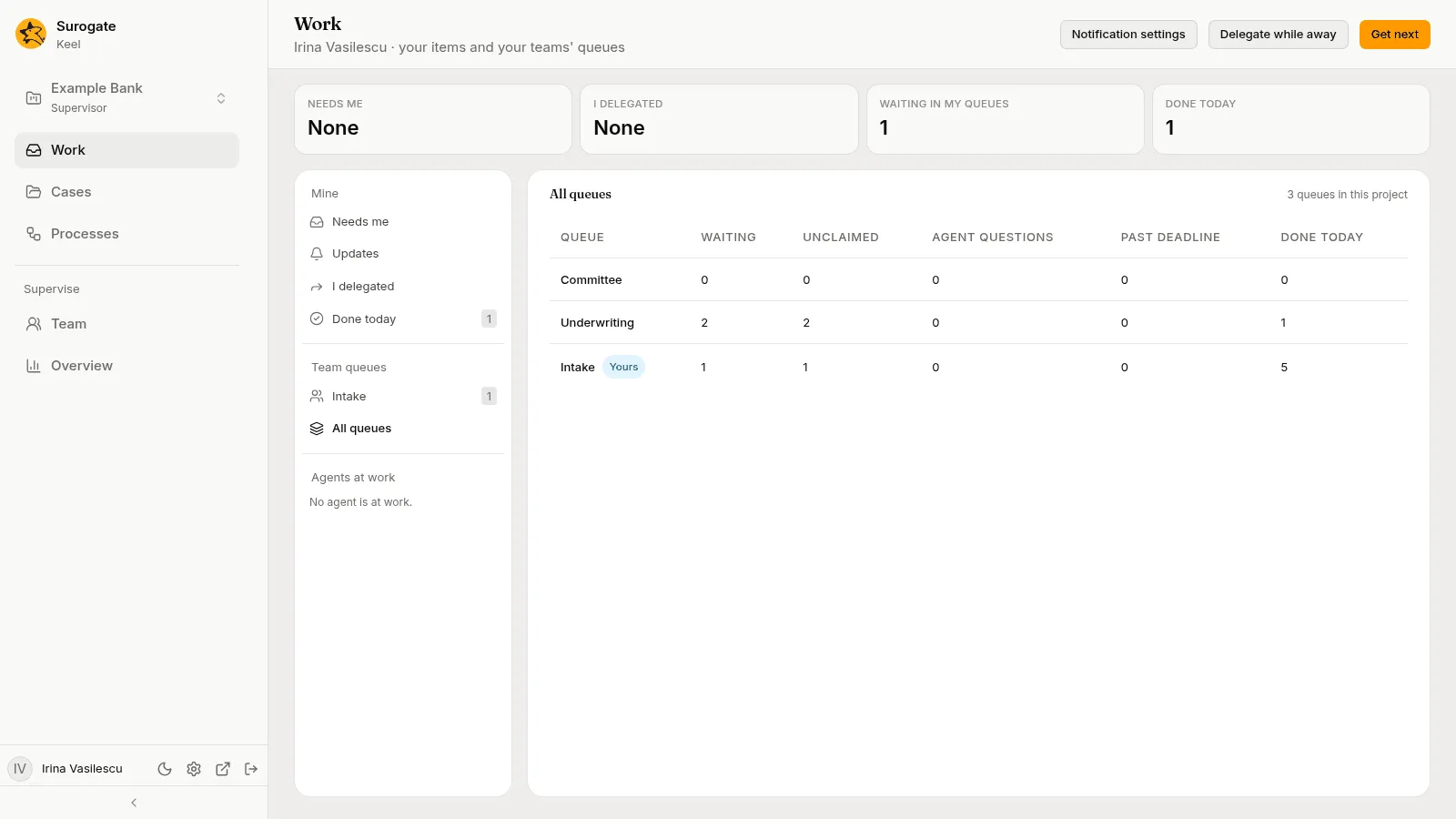
Section titled “All queues”All queues lists every queue of the project, in the order Keel serves them, with how many items are Waiting, Unclaimed, Agent questions, Past deadline and Done today. Your queues are marked Yours. Pick one to open it.
Queue settings
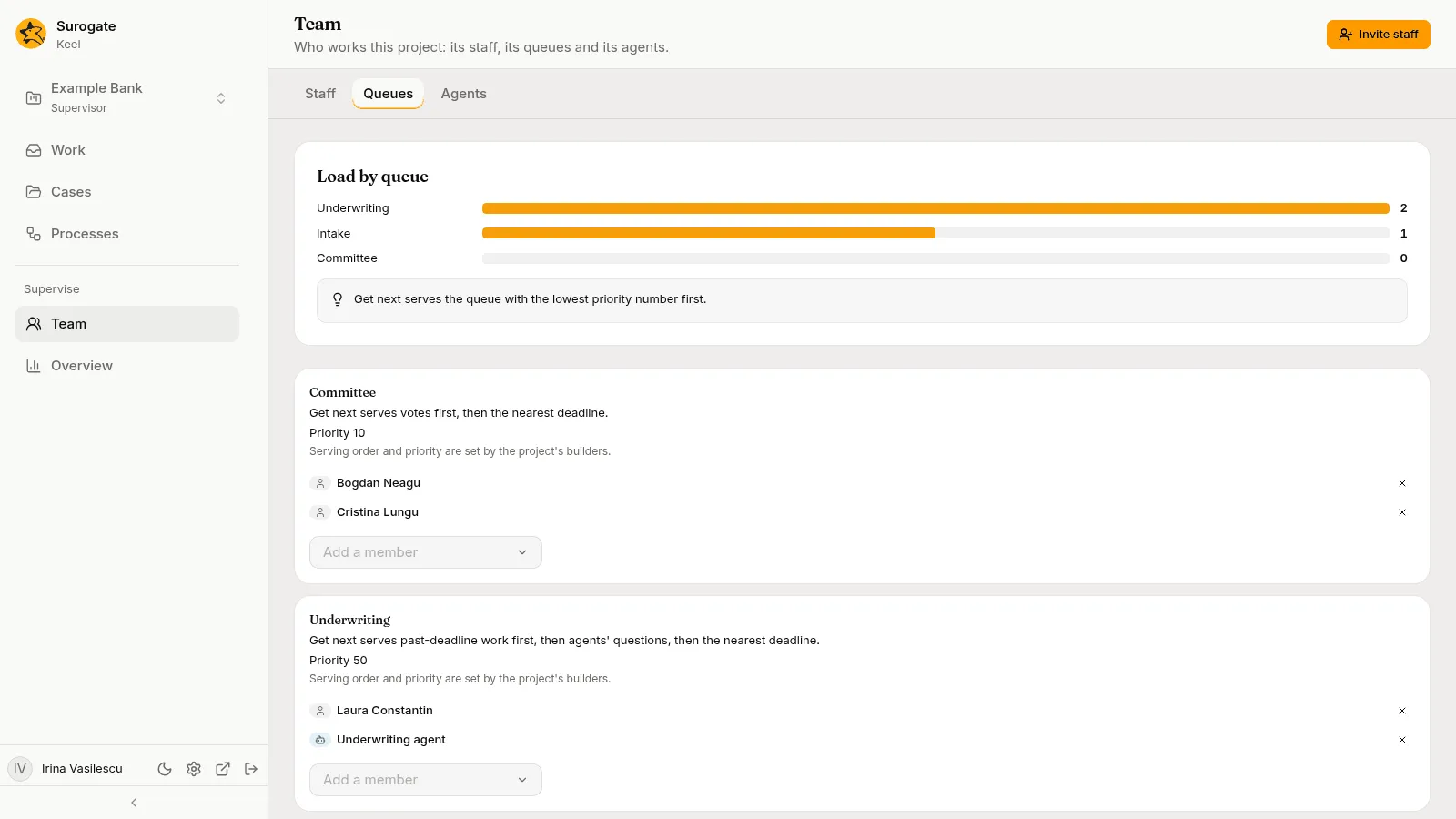
Section titled “Queue settings”Supervisors see Queue settings in a queue’s header. It opens the queue’s members, to add and remove, with its serving order and priority, which the builders set. Done closes it. The Queues tab of the Team page holds the same settings for every queue. See Queues and members.