Tenants
A tenant is a separate portal in the same install, with its own addresses, users, sign-in and settings. Tenants is for install administrators, on the main portal’s console.
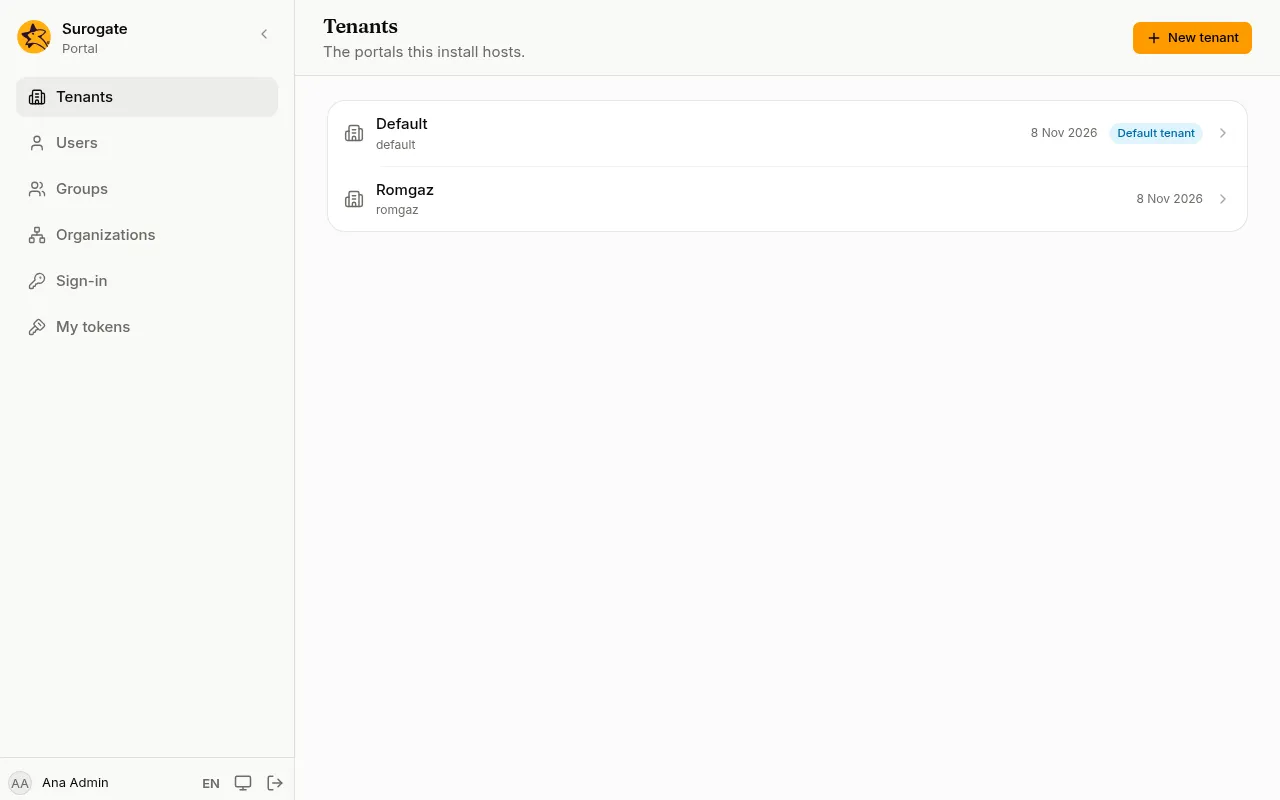
The list shows every tenant. The one marked Default tenant is the main portal: it answers on every address no other tenant has claimed.
Create a tenant
Section titled “Create a tenant”- Press New tenant.
- Slug: a short name in lower-case letters, digits and hyphens, starting with a letter, such as
primaria-sector-1. - Name: the tenant’s name, as people know it.
- Press Create tenant.
Sites and addresses
Section titled “Sites and addresses”Open a tenant to see its Sites. A site answers at one or more addresses: a domain name and, optionally, a path such as /intranet.
- Press New site and give it a Slug and a Name.
- Under the addresses, type a Host such as
www.example.roand, if you need one, a Path prefix. Press Add address for more. - Press Create site.
The tenant’s console is then at /_portal/admin/ on these addresses, and its administrators sign in there.
Site files
Section titled “Site files”Kept by the portal
Section titled “Kept by the portal”The portal keeps every tenant’s site files itself, your own tenant’s too. Each saved change becomes a version the tenant’s administrators can see and undo on their Versions page. The card says Kept by the portal and since when the site is live.
- Make the newest version live reads the files again and makes the newest version live. The card says whether it went live or what is wrong with it. It also asks each app what it offers; if an app cannot be reached, or offers something wrong, the pages stay as they were.
- A tenant the portal does not keep yet, such as one made while the store was not answering, has Keep its files. The portal keeps the files that are live now, as one version, and from then on. The site stays as it is.
Give a tenant an administrator
Section titled “Give a tenant an administrator”A new tenant has no users yet. Give it its first administrator from its page:
- Open the tenant and press Add administrator.
- Type their Email and Name and press Add administrator.
- For a new person, the console shows a First password, once. Press Copy and give it to them over a safe channel. They sign in on the tenant’s console and an administrator can set another one from Users.
If the email is already a user of the tenant, they become an administrator and keep their password; a disabled account is enabled again.
The main portal (the default tenant) has no Add administrator: its administrators are install administrators, made on its own Users page.
The same works from the command line with an install administrator’s token:
portal tenants add-admin <tenant> <email> --name "<name>"