Audit log
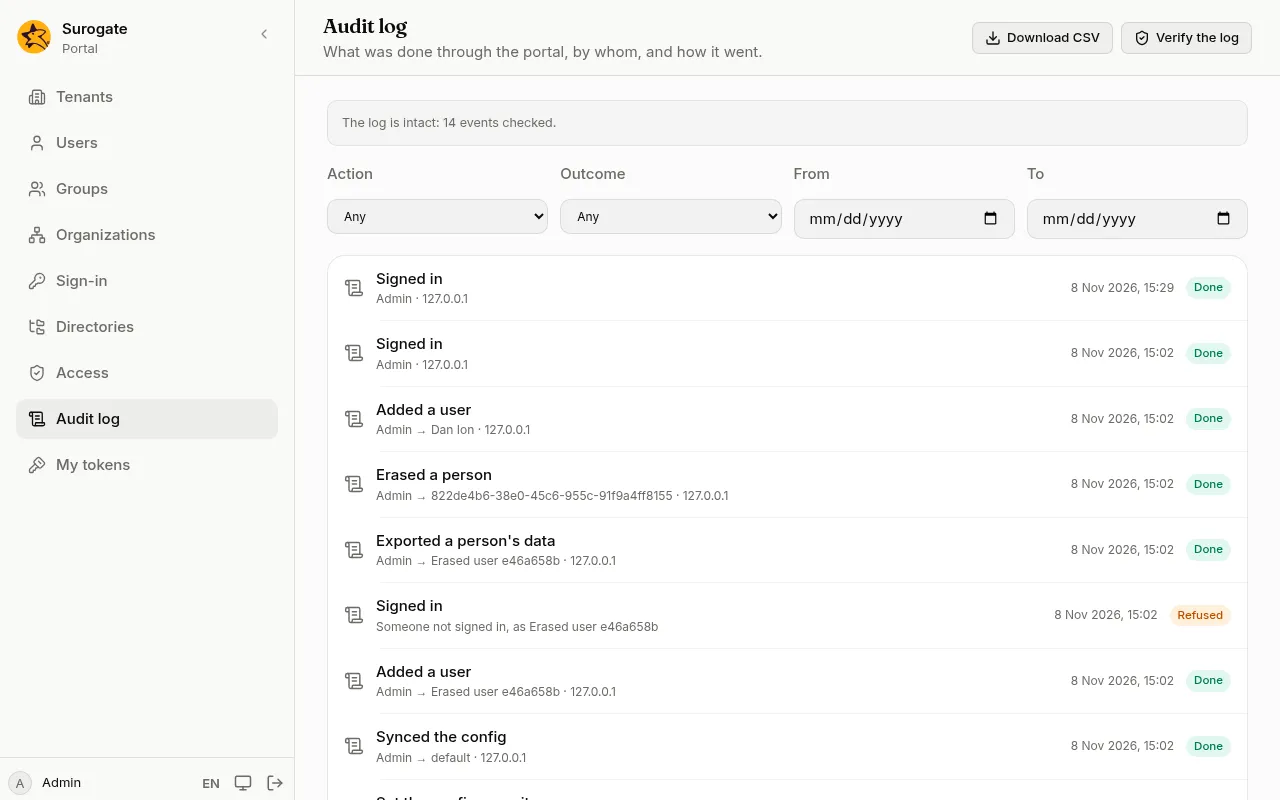
On Audit log, an administrator sees everything that changed something in the portal: who did it, to what, and whether it worked. Sign-ins and sign-outs are there too, and so are attempts that were refused, such as a sign-in with a wrong password or a change someone was not allowed to make.
Find an event
Section titled “Find an event”Narrow the list with:
- Action: what was done, such as Changed roles.
- Outcome: Done, Refused or Failed.
- From and To: the days to look at, both included, in your own time.
Each event shows when it happened and the address it came from. Press Load more at the bottom for older events.
To see what one person did and what was done to them, open their page under Users and press See their audit events. Press Show everyone to go back to the whole log.
Download CSV saves the events the filters show, for a spreadsheet or an auditor. A very large download says at its end that it was cut short; narrow the filters for the rest.
Check that the log was not changed
Section titled “Check that the log was not changed”Press Verify the log. The portal checks every event against the one before it:
- The log is intact: N events checked. Nothing was changed or removed.
- The log was changed at event N. Someone with access to the database altered or removed events from that one on. Tell whoever runs the portal.
Passwords, tokens and what people typed into forms are never in the log. A refused sign-in keeps the login that was tried only when it is a user’s email or username; anything else might be a password typed in the wrong field, and is not kept.
Events are kept for two years unless whoever runs the portal sets another period. When a person is erased, their name, email and address are removed from the events about them; the events themselves stay.