Organizations
Organizations is your structure: directorates, departments, offices and teams, each inside another. You need the Administrator role.
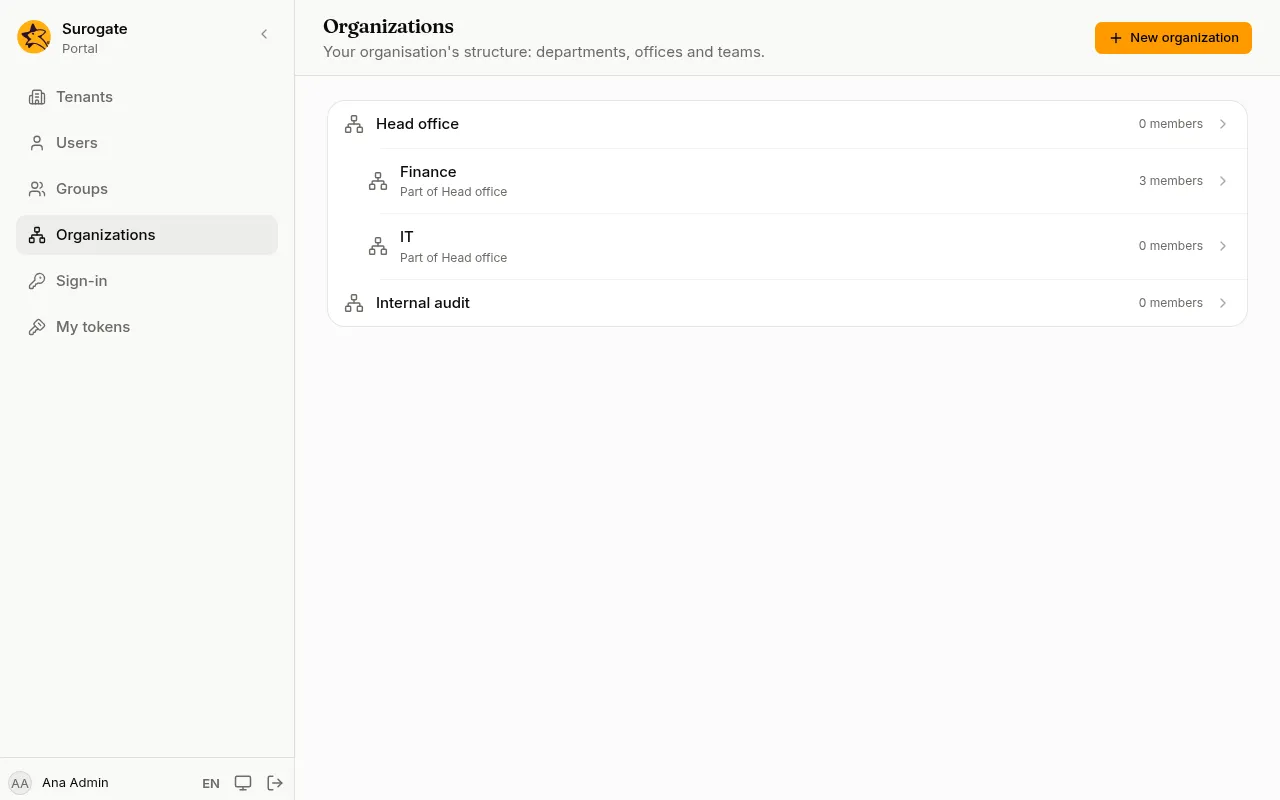
The list shows the structure as a tree: organizations inside another are indented under it and say which one they are Part of, with how many members each has.
Add an organization
Section titled “Add an organization”- Press New organization.
- Type its Name.
- In Part of, choose the organization it belongs to, or Nothing (top level).
- Press Create organization.
Two organizations in the same place cannot have the same name: the console says An organization with this name already exists here. A name cannot contain /, because page permissions name organizations by their path, such as Primăria/Direcția IT.
Members
Section titled “Members”Open an organization to see its Members. Add and remove people as for a group, then press Save members. A person can belong to several organizations.
Rename or move an organization
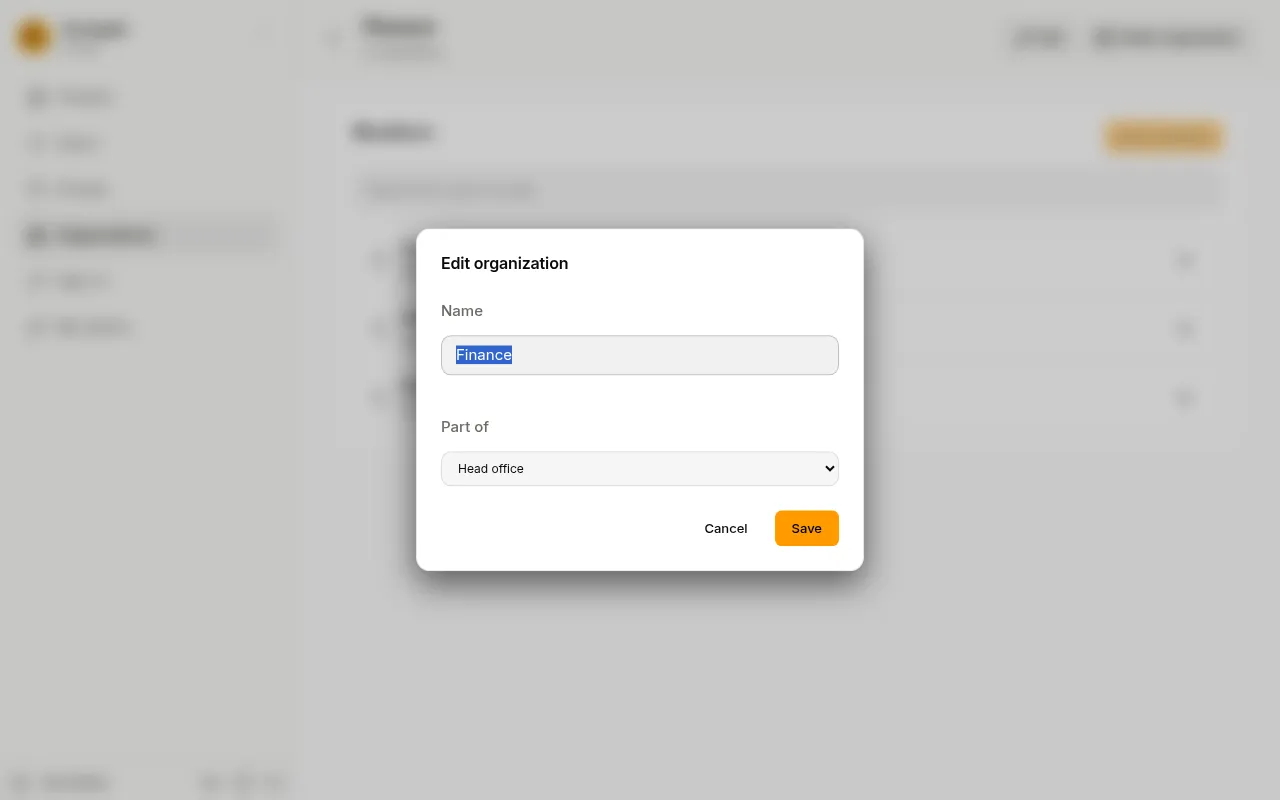
Section titled “Rename or move an organization”- On the organization’s page, press Edit.
- Change the Name, or choose another organization in Part of to move it there with everything inside it.
- Press Save.
Part of never offers the organization itself or the ones inside it. A name that is already used where you move it is refused, and then nothing changes: neither the name nor the place.
Delete an organization
Section titled “Delete an organization”Press Delete organization, then Delete organization again to confirm. An organization that still has members or organizations inside it is not deleted: the page says Remove its members and sub-organizations first.